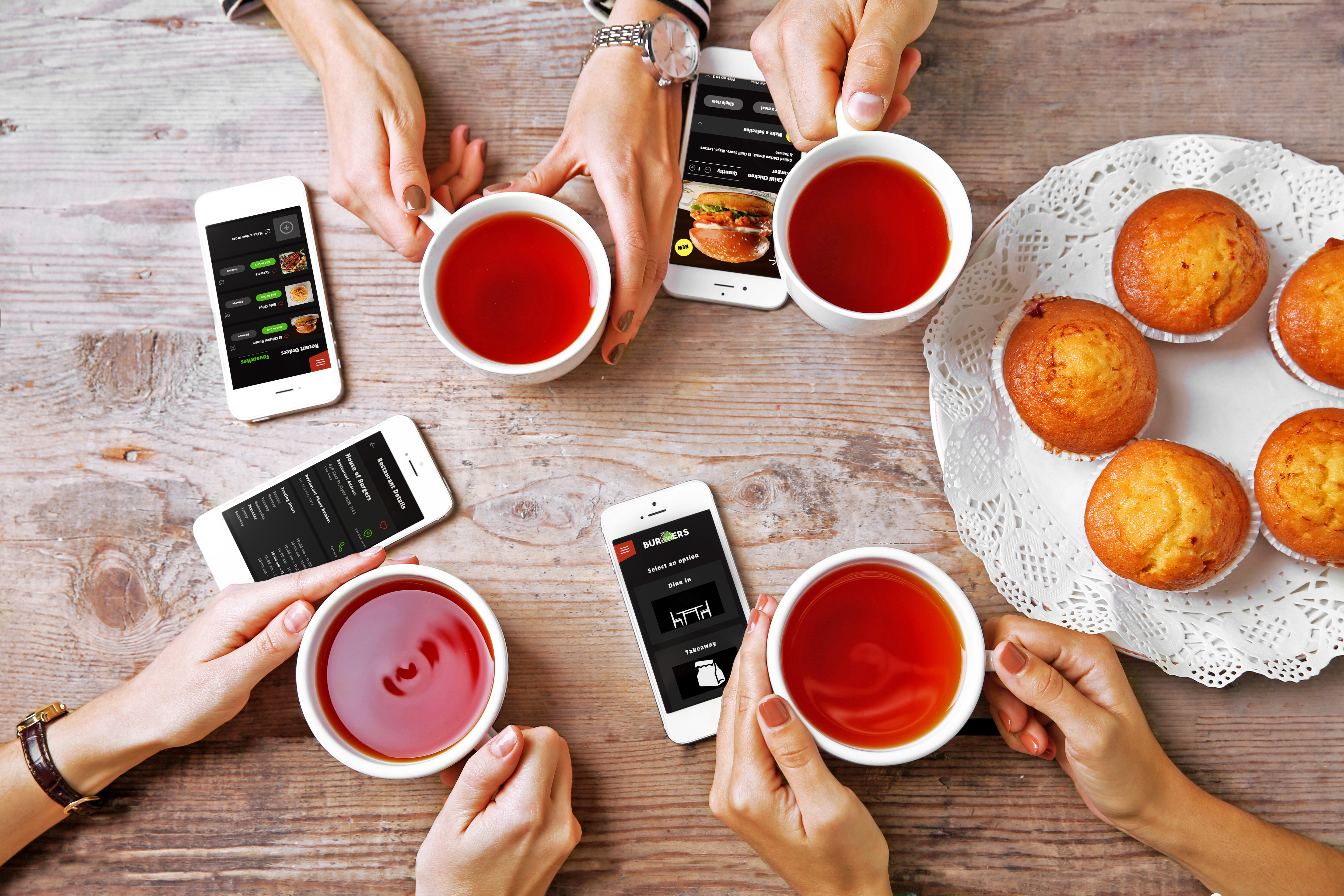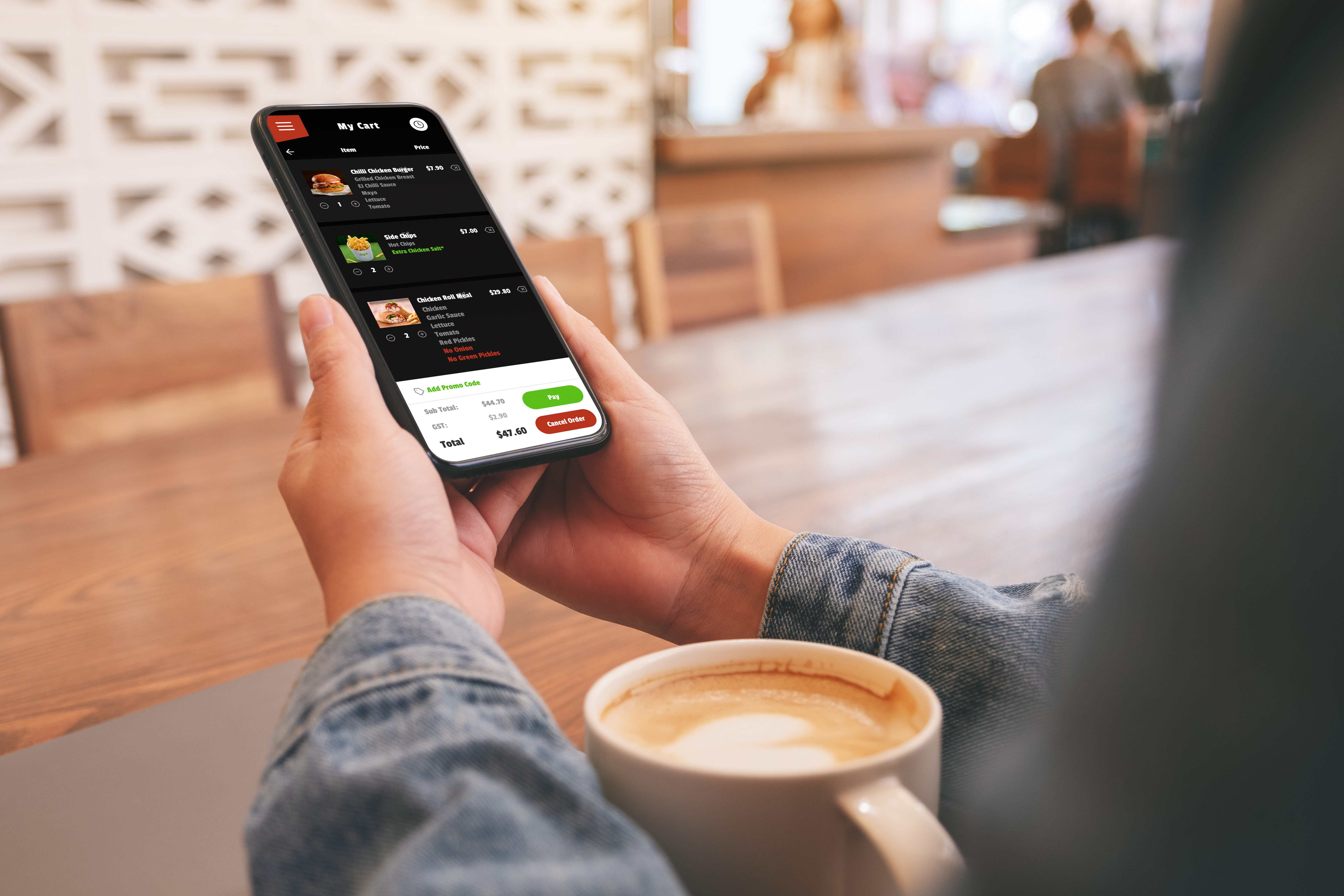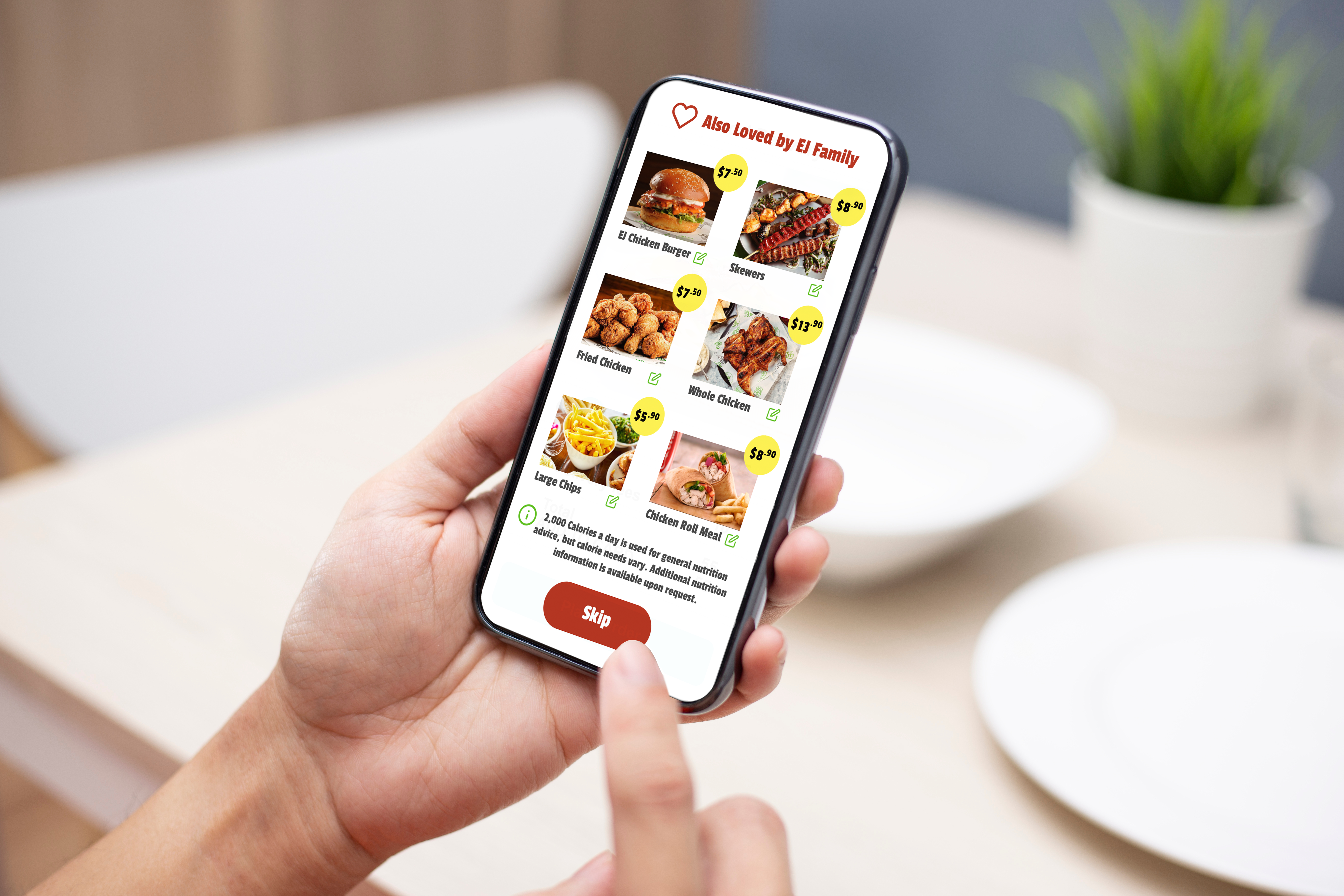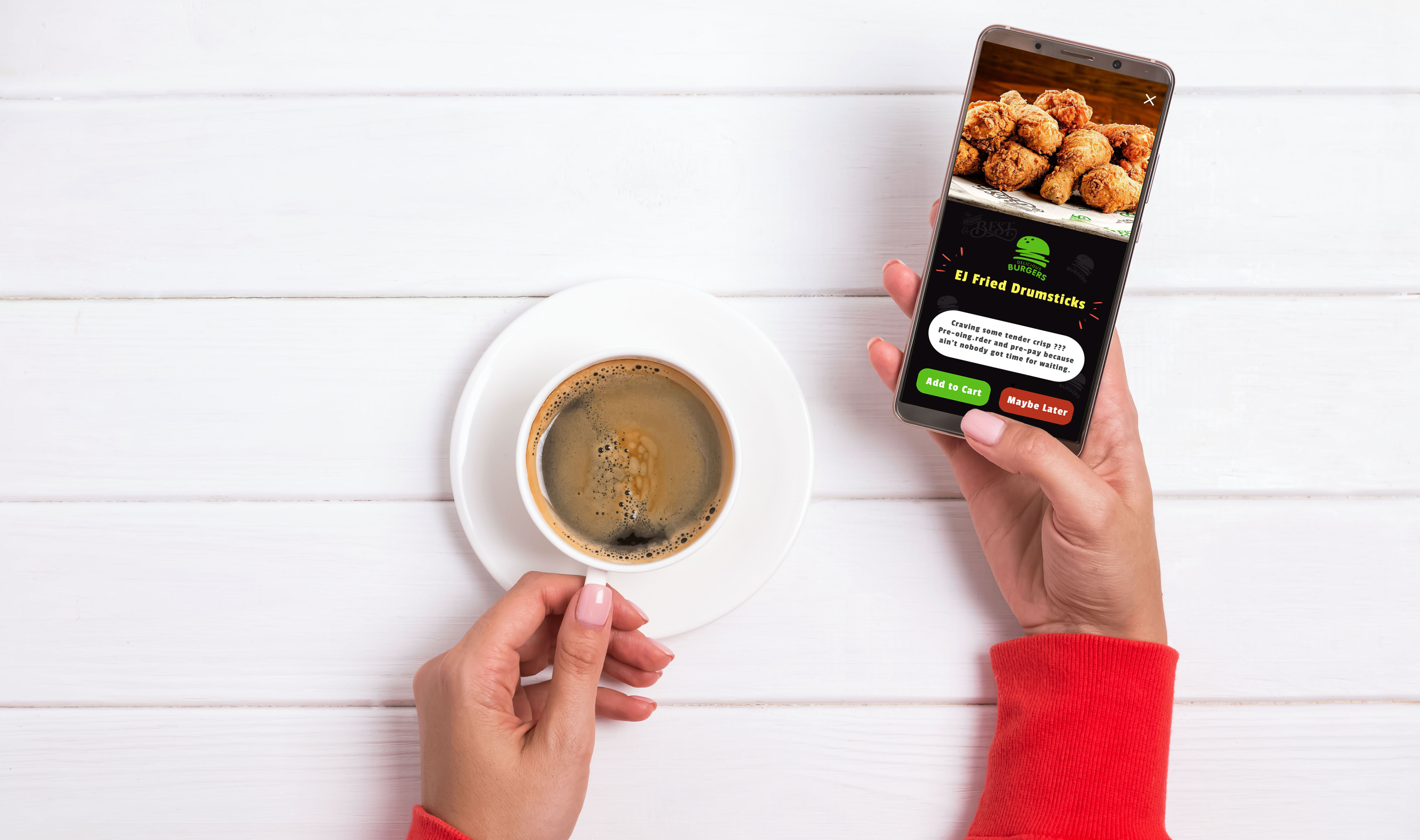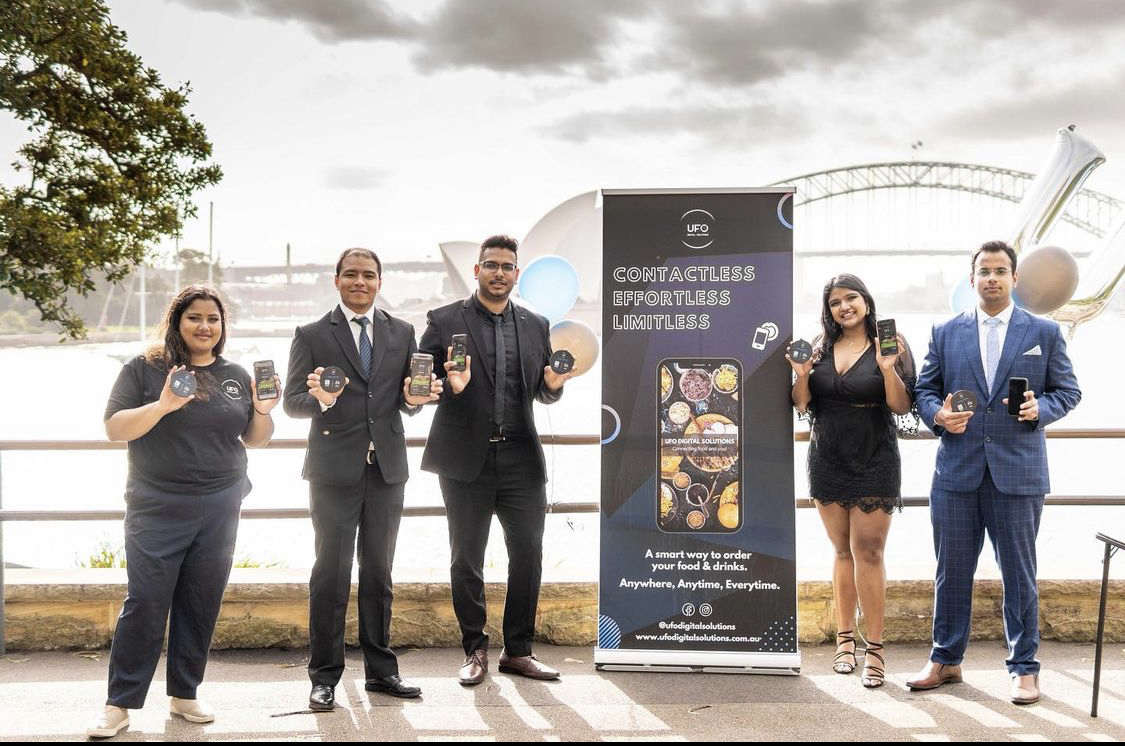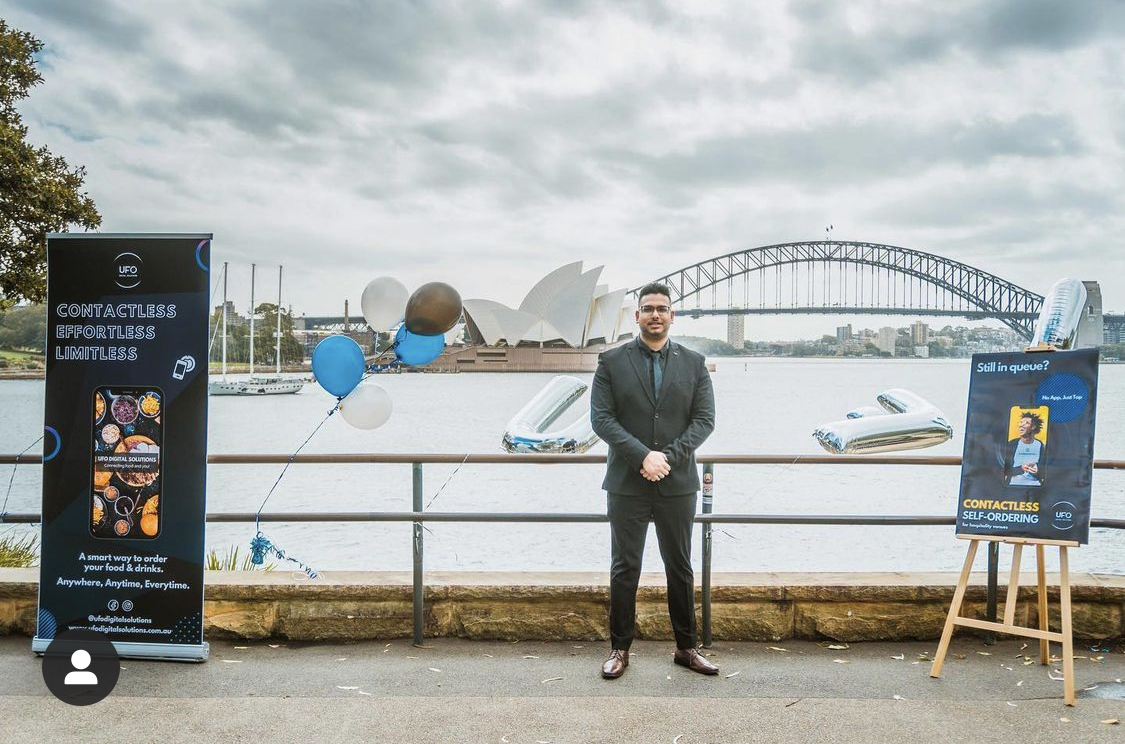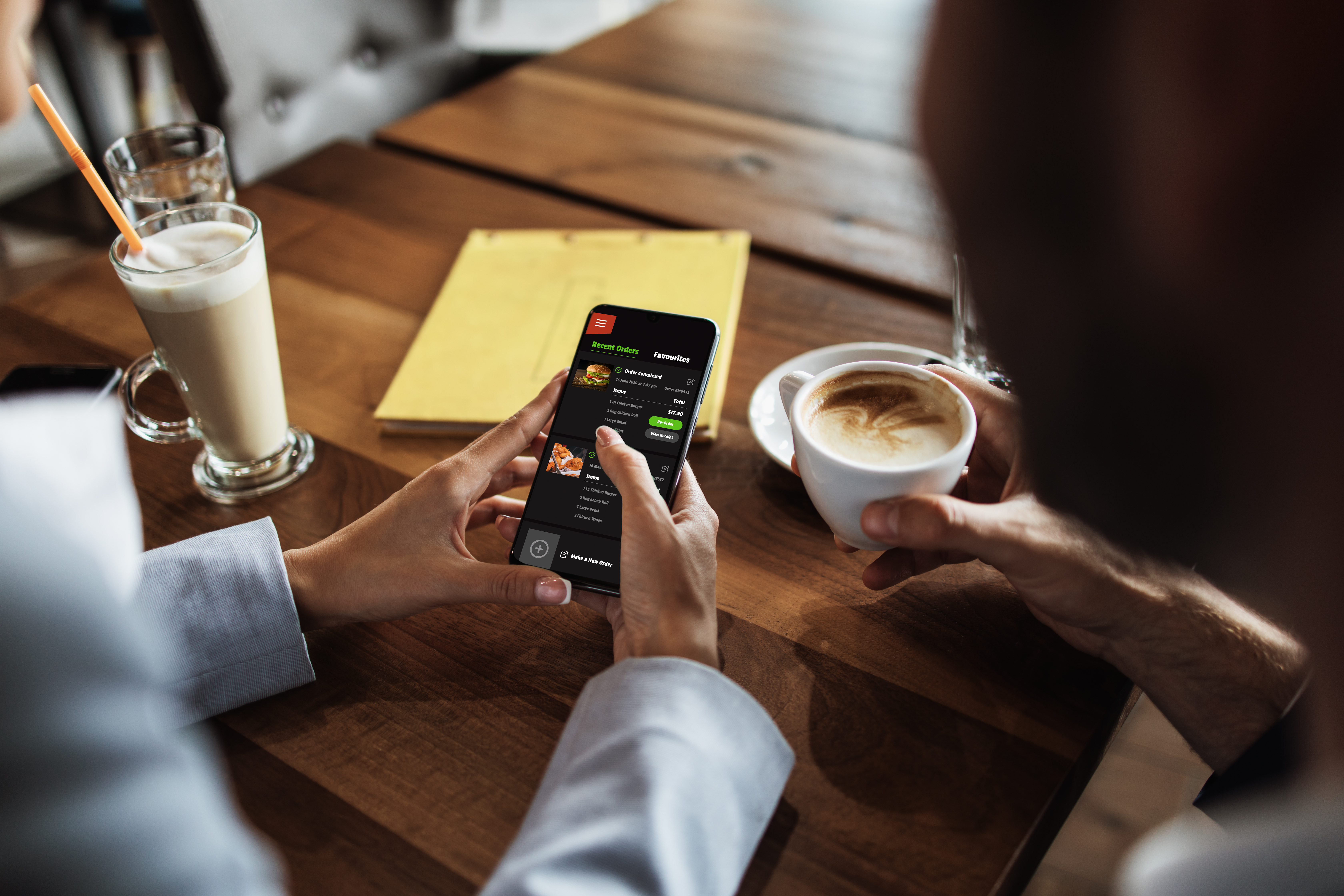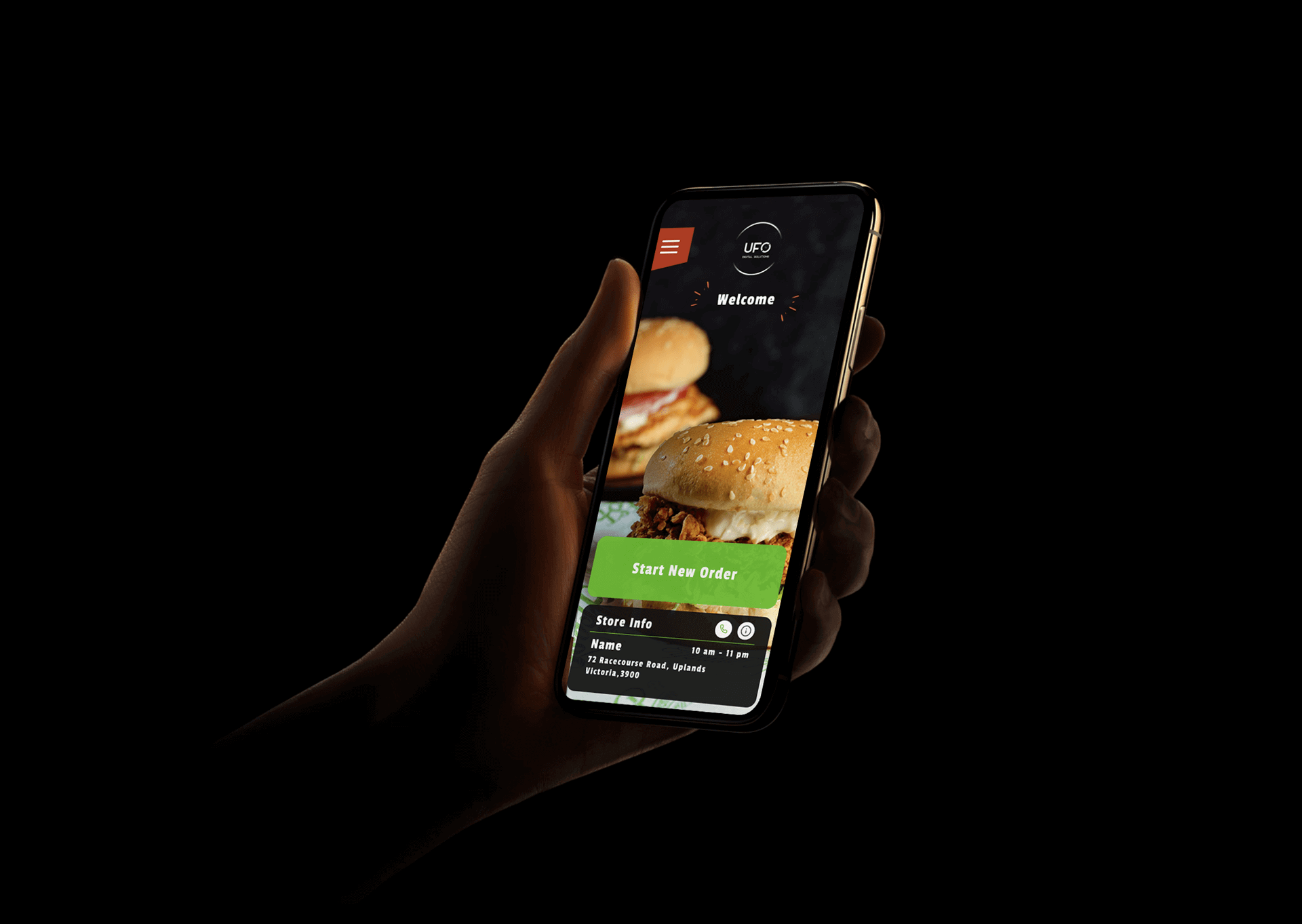
UFO Digital Solutions is a suite of SaaS products that provide user-friendly, cost-effective contactless self-ordering solutions personalised to hospitality businesses, to increase their revenue streams and optimise their operations to adapt to the new COVID reality. I started this project in 2020 during the peak of Covid in Australia, to help out hospitality businesses and workers.
In the report below, I will walk you through the end to end UI/UX design process of this project ’UFO - Unmanned Food Ordering’.
Please feel free to checkout the project website designed & developed by me : https://www.ufodigitalsolution.com.au
Throughout my studies at The University of Sydney, I supported myself by working in a food chain where I came across several problem areas that were causing the business to lose money. Moreover, due to the pandemic, their losses hyped and I saw many of my friends being laid off and even my shifts reduced to half. Increasing government restrictions caused them to lose their customers and they were paying hefty penalties for not being able to follow the COVID regulations.
I majored in user experience design & product development while at uni so I put my skill and time to use and crafted a uniquely simple solution that could help my workplace. Soon enough, I found out that there are many other restaurants and businesses who might need a similar solution to survive. Upon research, I found out that there were 85,284 food and beverage businesses in Australia which lost over $120bn due to the pandemic. This inspired me to create something which could act as a catalyst for the revival of the industry.
Timeline: Started June 2020 - Present
Role: Researcher, Creator, UX/UI Designer, Product Designer, Web Developer and Digital Designer
Team: Abhinav Bose + team of 15 members (Dev team, Business, Marketing) at UFO.
Softwares Created:
1. Contactless Ordering Web App
2. IRIS Admin panel (Integrated Realtime Information System)
3. KDS (Kitchen Display System)
4. Live Order Tracker
5. UFO Website
6. Self Service Kiosk & Tablet
Tools Used:
1. Framer
2. Adobe Creative Suite
3. MERN Stack (Mongo DB, Express, React, Node.js), Sockets.io.
4. Jira, Asana
5. HTML, CSS, JS, Bootstap
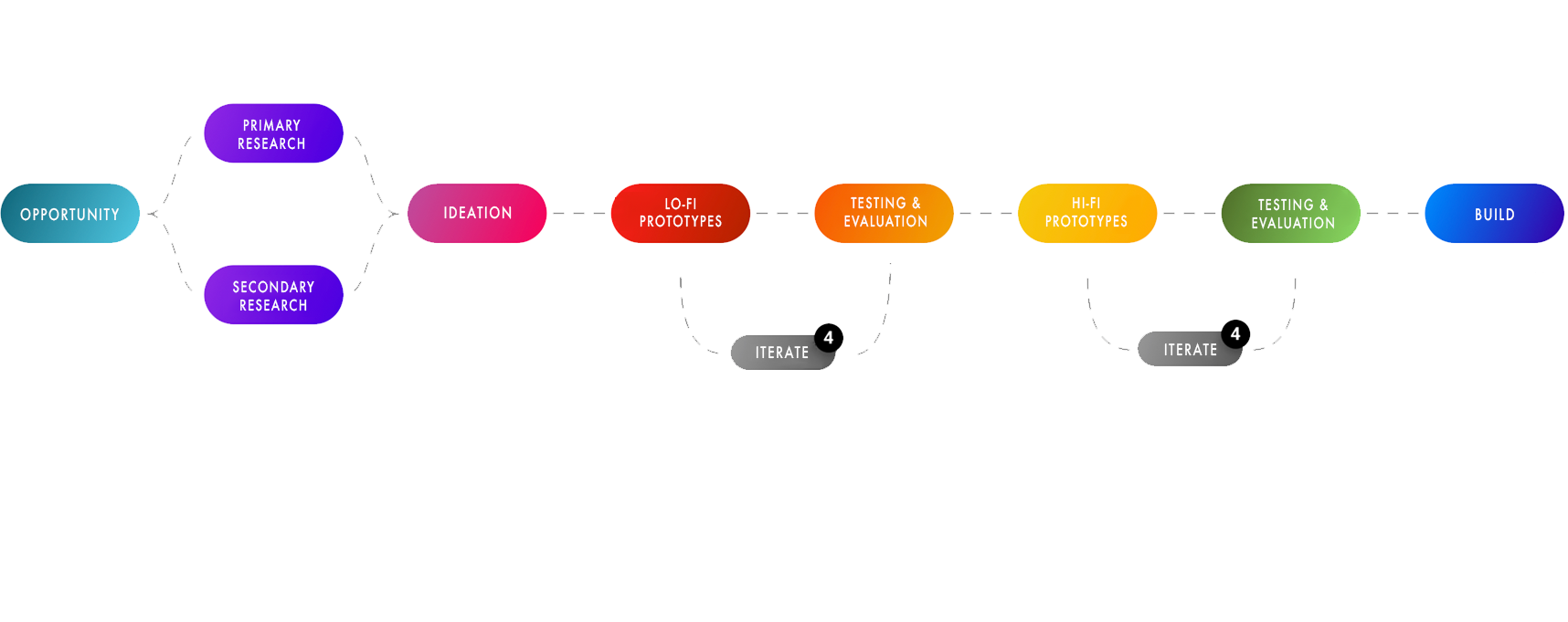
STAGE 1 - Define
a. Understanding & concreting the problem
b. Primary & secondary Research
c. Identifying user needs
d. Data analysis
e. Ideation
STAGE 2 - Design
a. Lo-fi prototype construction
b. User testing
c. Data analysis
d. Iteration of concepts
e. User testing
STAGE 3 - Develop
a. Physical Beacon creation
b. MVP Development
c. Website development
d. Software development
e. Branding & strategy development
f. Pilot Launch
g. Client onboarding
STAGE 4 - Deliver
a. Summary of project
b. Challenges during process
c. Experience and learnings
Restaurants, Cafes, Bars, Pubs, Clubs, Juice bars, Takeaway outlets, QSRs, Hotels,
Full-service restaurant (not every store), Food trucks, Events, University food courts, Mall
food courts, Movie halls, Sports bars, stadiums, concerts
End users of the contactless ordering web application: Customers of the hospitality venue
Users of the KDS: Hospitality workers under the head license holder
Users of IRIS Admin panel - Business owner, franchise owner, store managers, UFO Team
I am a strong believer in the user-centric design process. For me anything that is designed for the user has to come from the user. So, I conducted primary and secondary research. I created a research plan, outlined objectives, tasks, roles, metrics, planned a timeline and allocated resources.
An overarching objective of the primary research was to find out everything about the user.
I wanted to collect qualitative attitudinal data, to learn about their thoughts, beliefs and some qualitative behavioral data, such as observations about people’s behavior. And collect data from end users/ customers of hospitality venues about their experiences to perform a quantitative analysis.
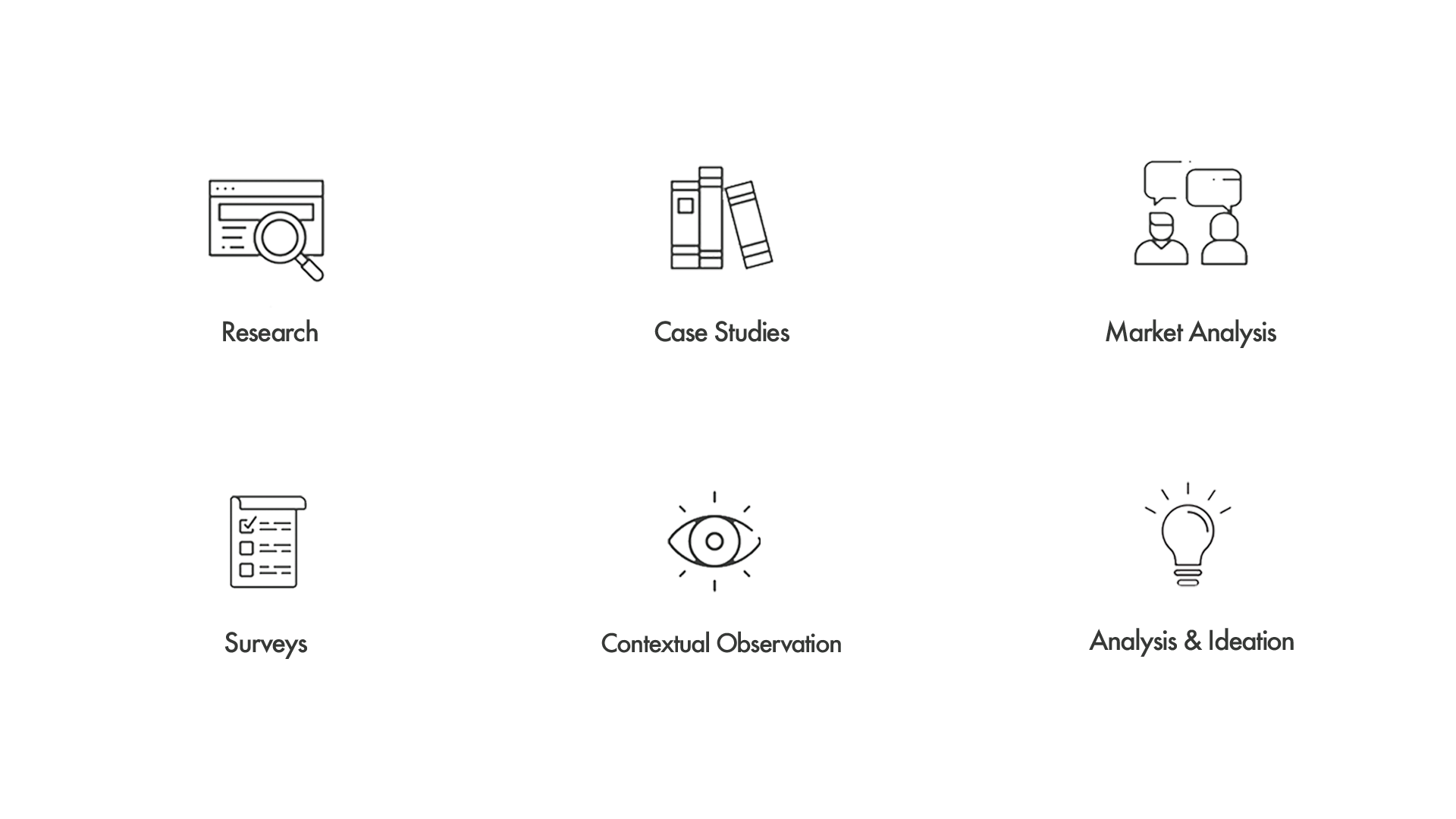
Case studies, Market analysis, Contextual observation, Semi structured Interviews, Surveys, Online reviews, Websites, Blogs, Social channels, contextual inquiry, Questionnaires, competitor analysis.
I explored the needs of our users by stepping out into the market and interviewing about 40 - 50 businesses within our target market. I spoke to business owners, managers, restaurant staff, customers of the restaurant, read online reviews, checked out their socials and read comments from their users about problems they have been facing and performed contextual inquiry.
The following are the statements from the business owners that caught my attention:
“I want to eliminate the inconvenience of the customer to get up and order.”
“I am looking for adding new revenue streams and pay less for new systems.”
“Want to service long lines faster and reduce wait times.”
“We want to make a faster business recovery from COVID”
“We look forward to making a long-lasting impression on our customer experience.”
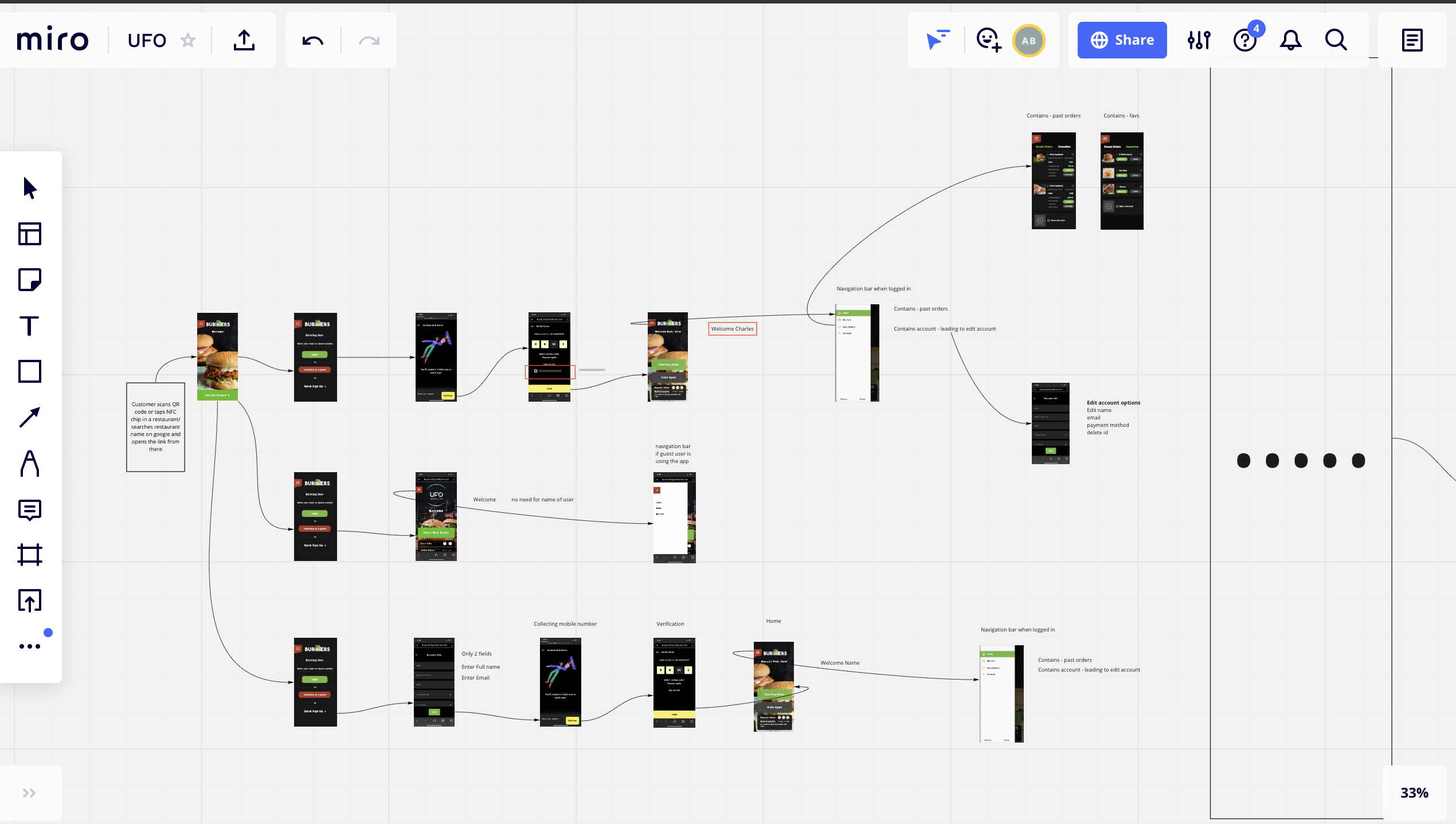
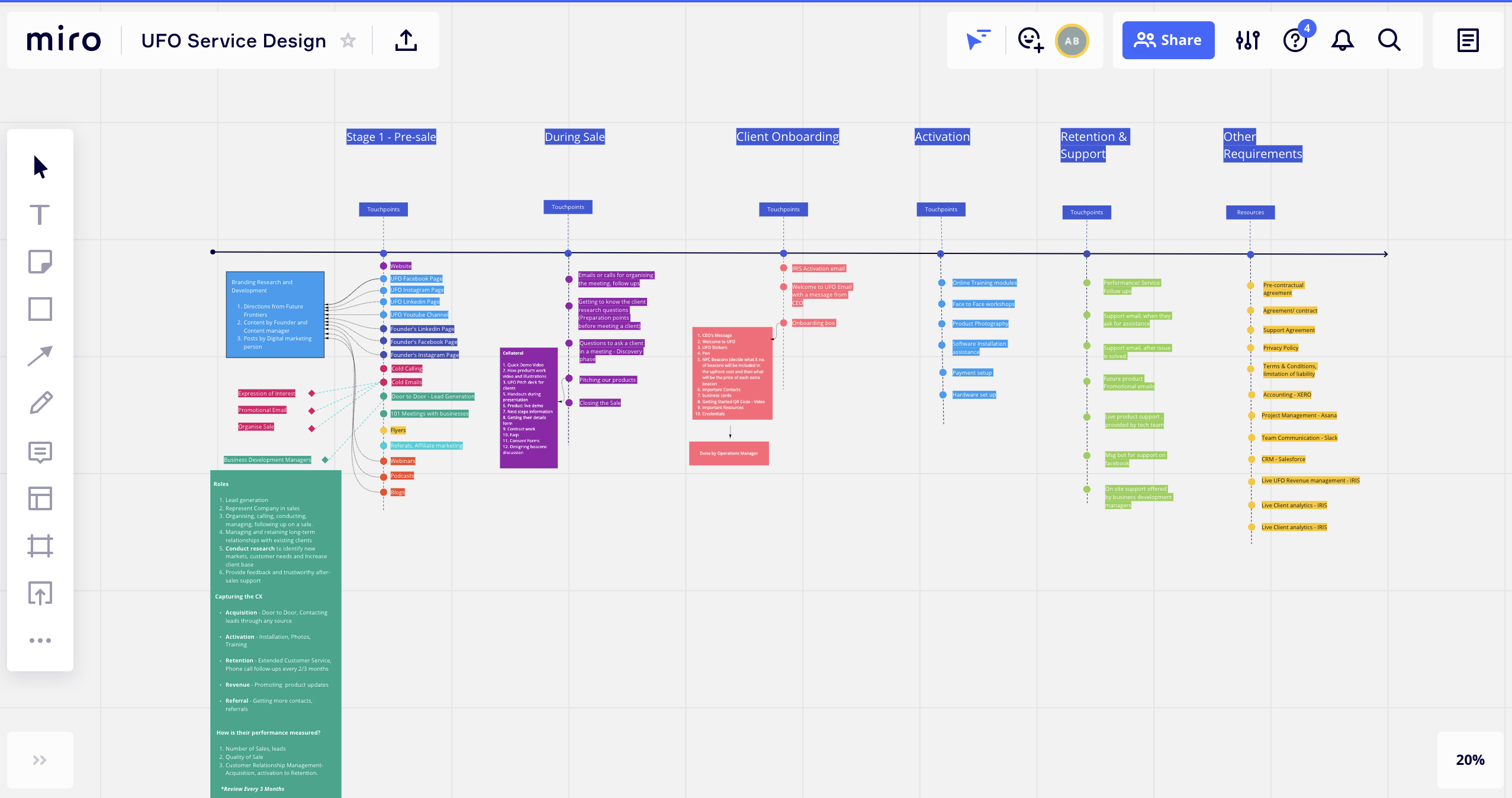
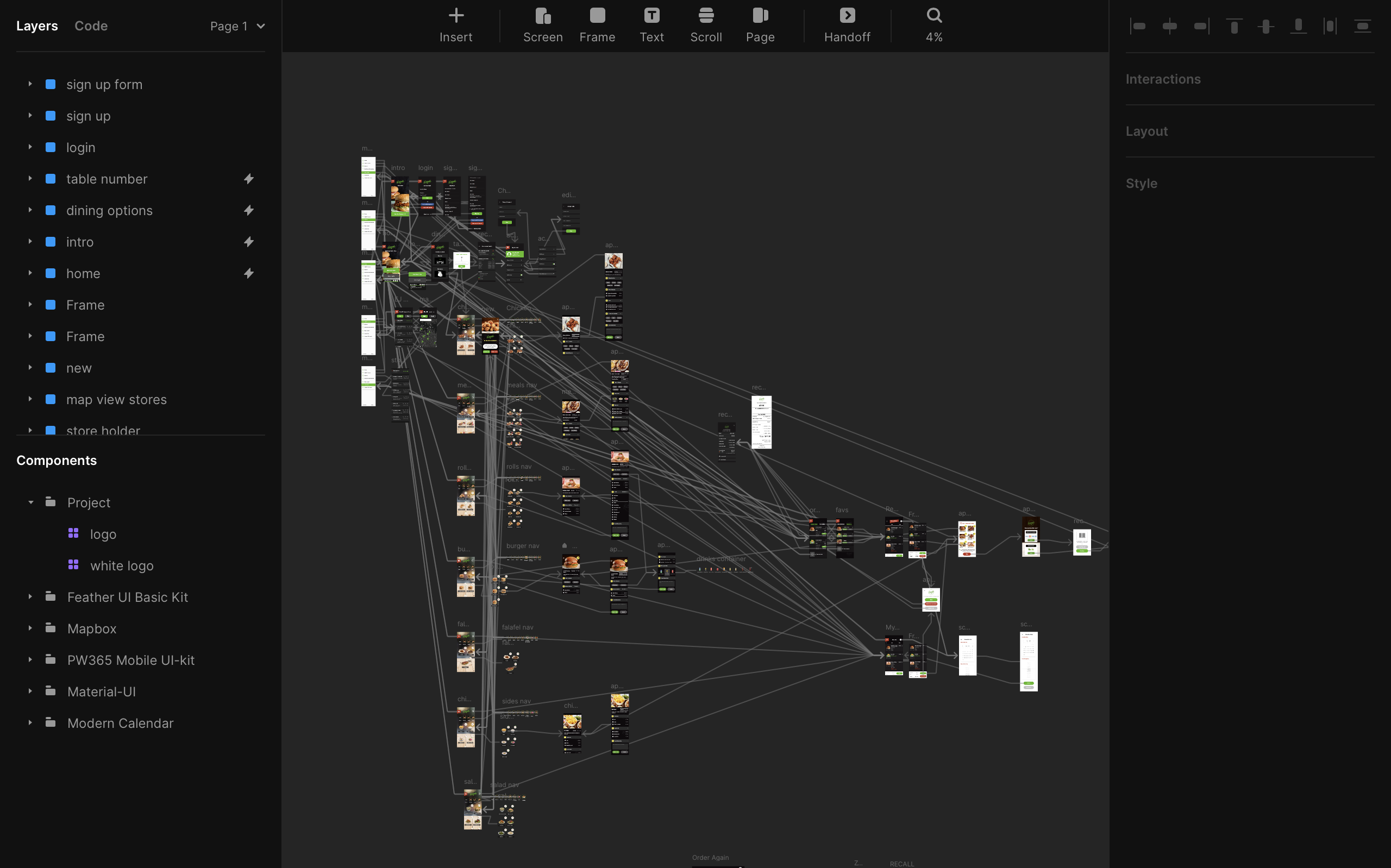
Affinity diagramming, Persona creation, Journey mapping, Scenarios, Storyboarding, Brainstorming, Bodystorming, Mind mapping, User flows, Concept sketches, Strategy presentations, Service blueprints, Cognitive walkthrough, Information architecture.
Note - We will be covering high level content focused on UX/Product research & design for only 3 softwares due to limitations to sharing confidential company information. All the information, rights belong to UFO Digital Solutions PTY Ltd. Read terms here.
We used bottom up analysis method to assesses qualitative data by sorting trends and patterns into clusters. These statements cards were grouped into clusters to highlight reoccurring themes or related areas of concern. From this initial grouping thirteen categories emerged before we then grouped them again to identify distinct components of the food ordering experience.
We came up with several unique concepts to solve these issues and after completing the market analysis and speaking to our users directly, we leart that achieving a product-market fit & adding maximised value to the users, requires creating an ecosystem that interacts seamlessly with each other and help 4 major user groups.
1. End users or customers of the hospitality venues
a. Self Service Kiosk - Iteration 1
b. Self Service Tablet - Iteration 2
c. Contactless Web App - Iteration 3
2. Employees or Staff at the hospitality venues
a. KDS Version 1.0 (Kitchen Display System)
b. KDS Version 2.0
3. Owners/ franchise owners of the hospitality venues
a. IRIS Version (Admin) 1.0 (Integrated Realtime Information System)
b. IRIS Version (Admin) 2.0
c. UFO Website
4. Support and operations team at UFO
a. UFO IRIS Version 1.0
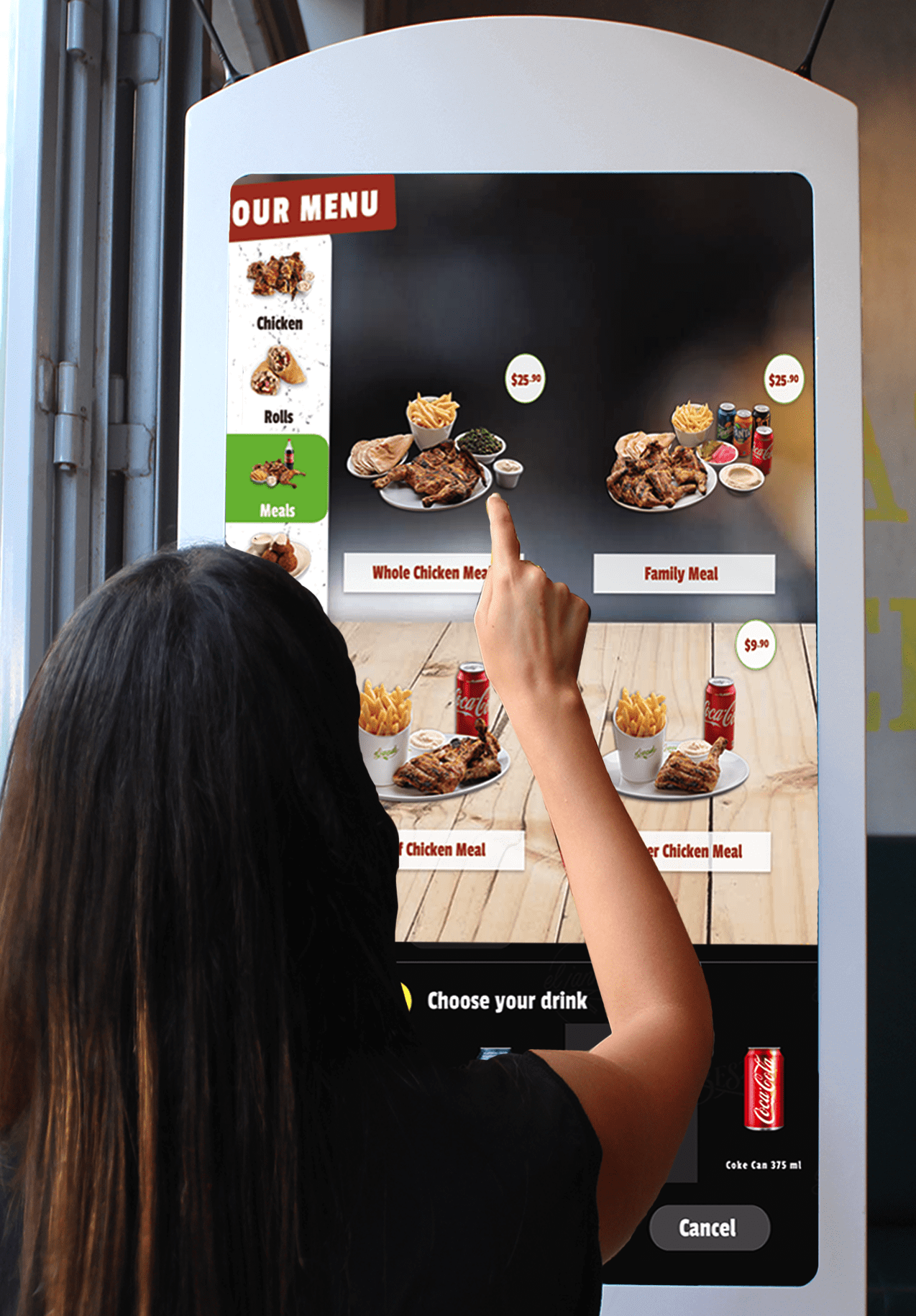
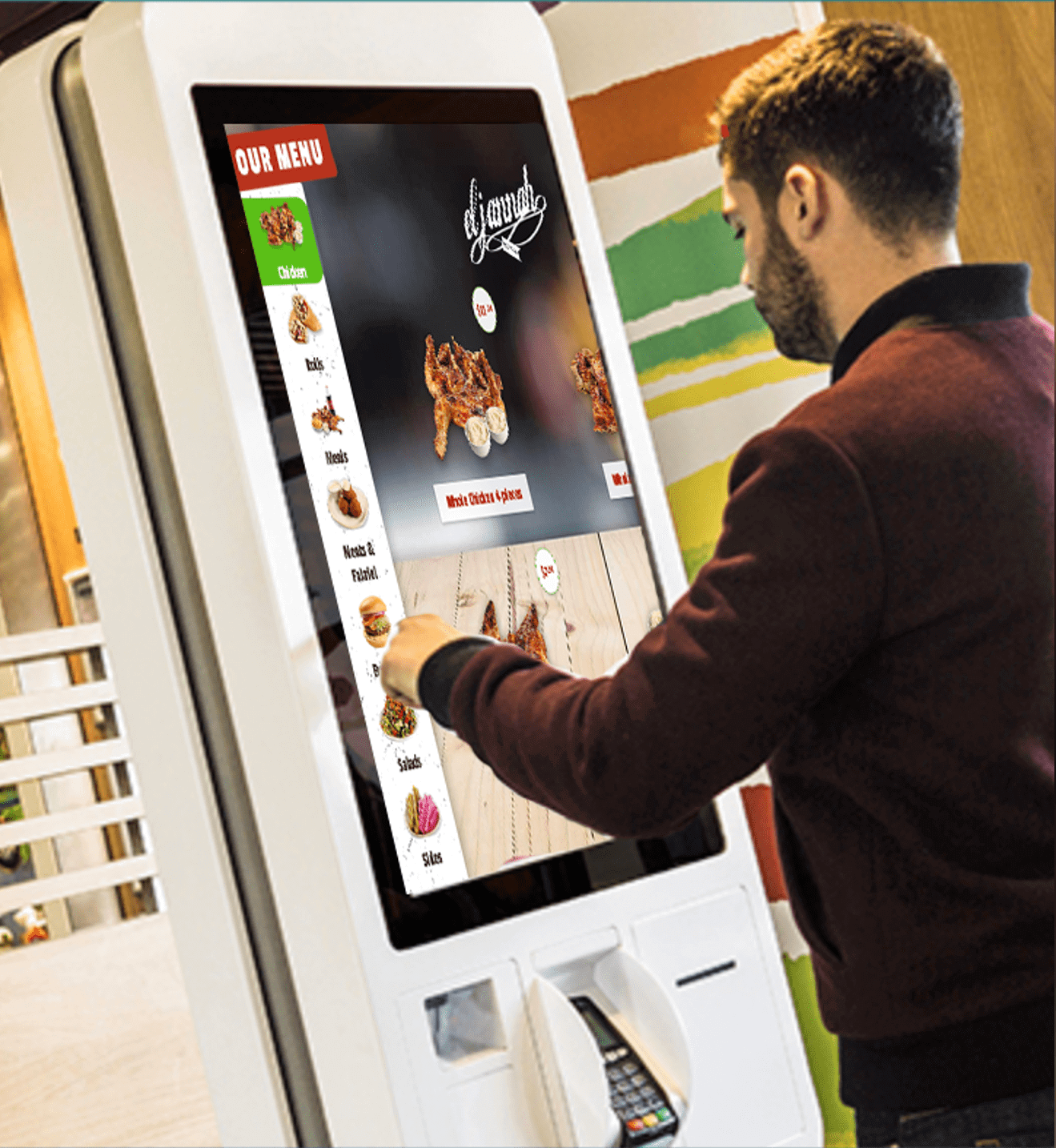
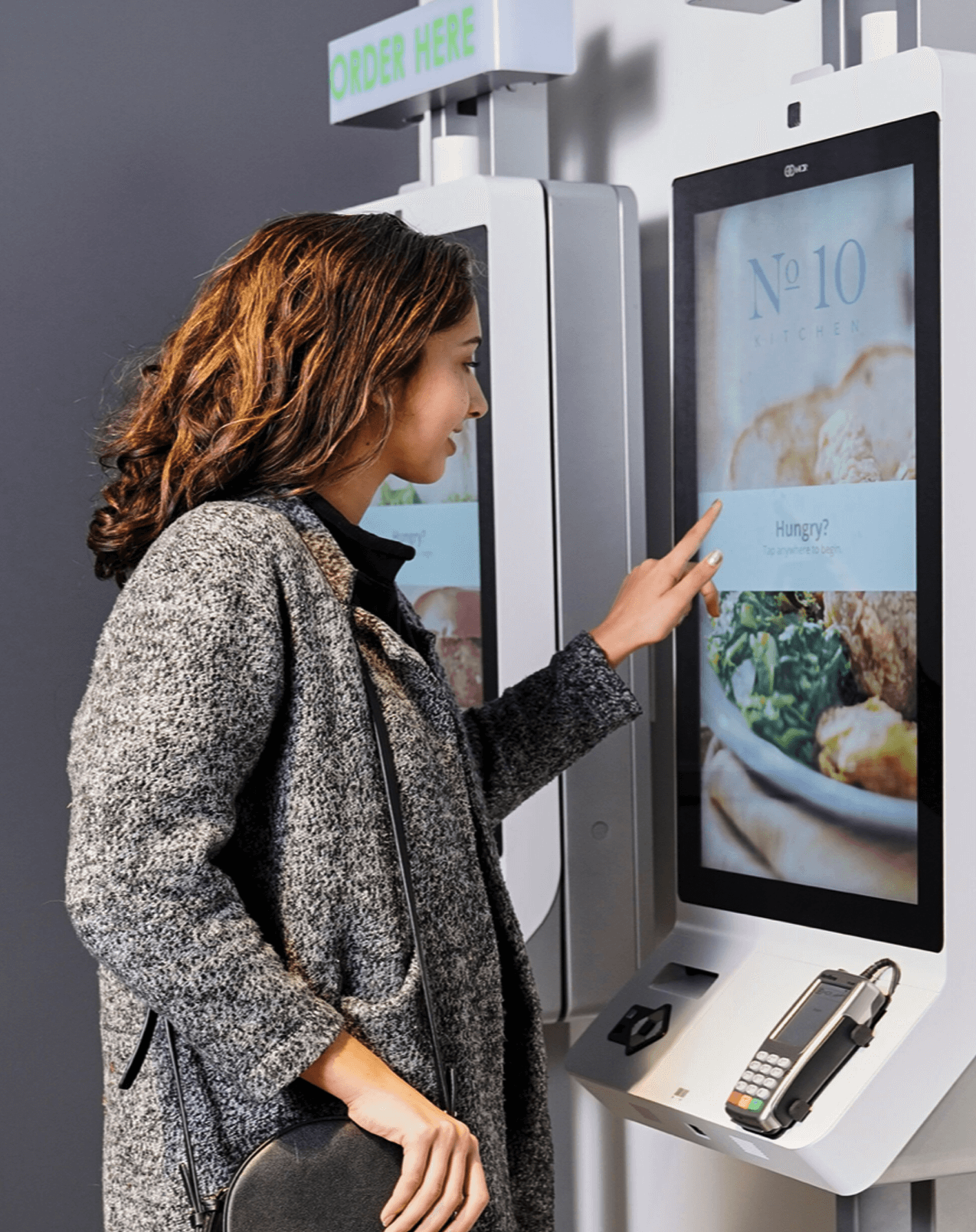
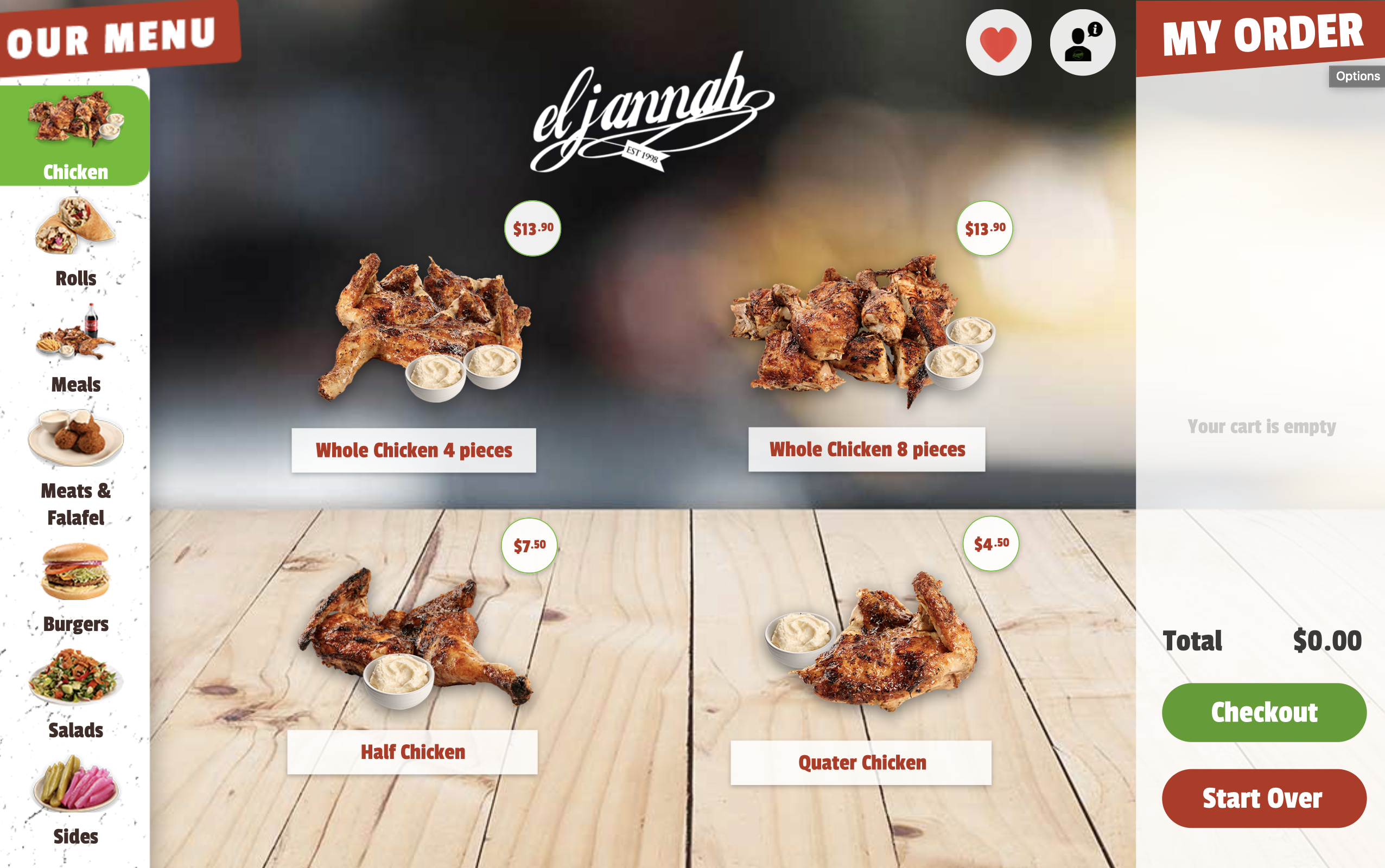
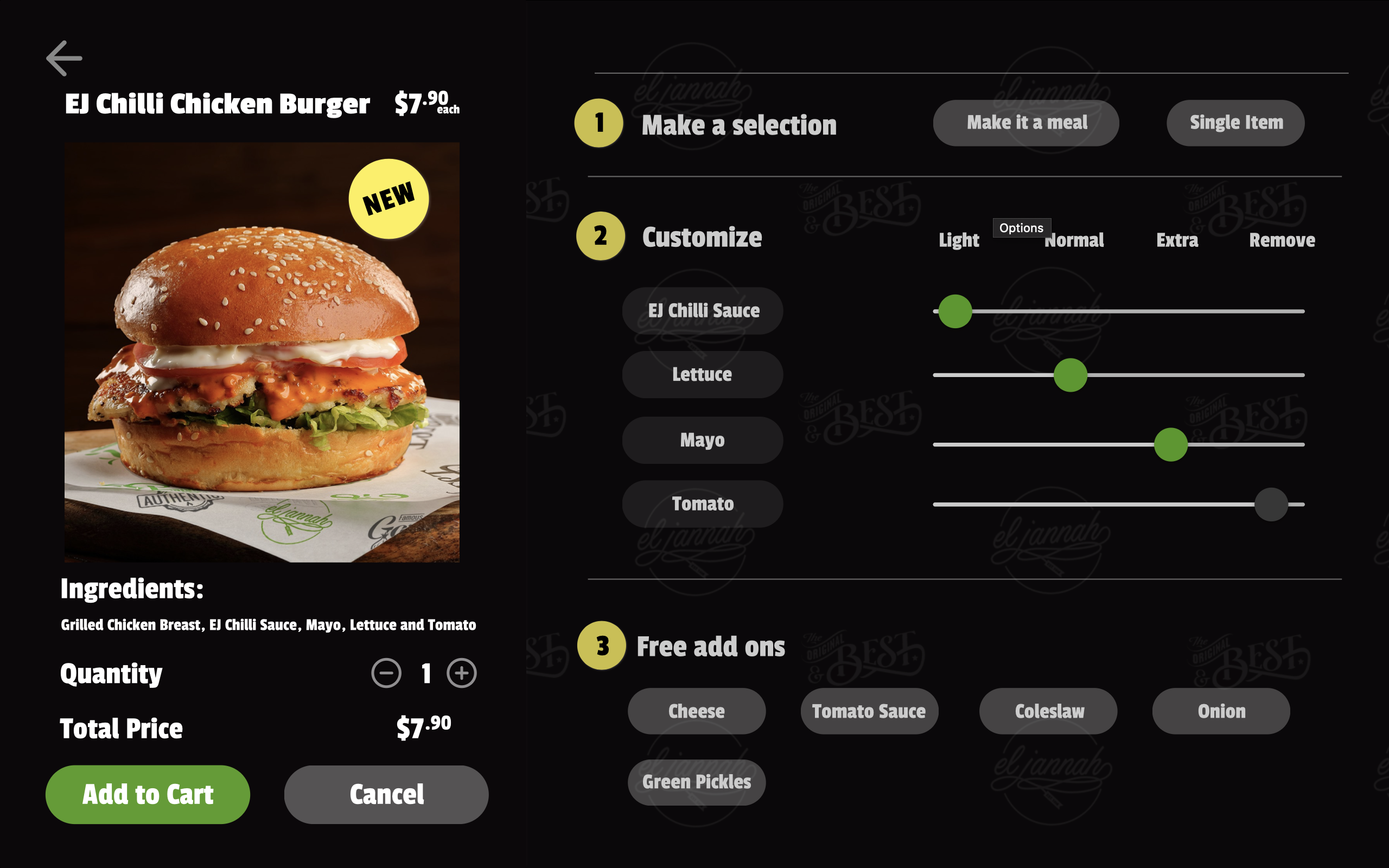
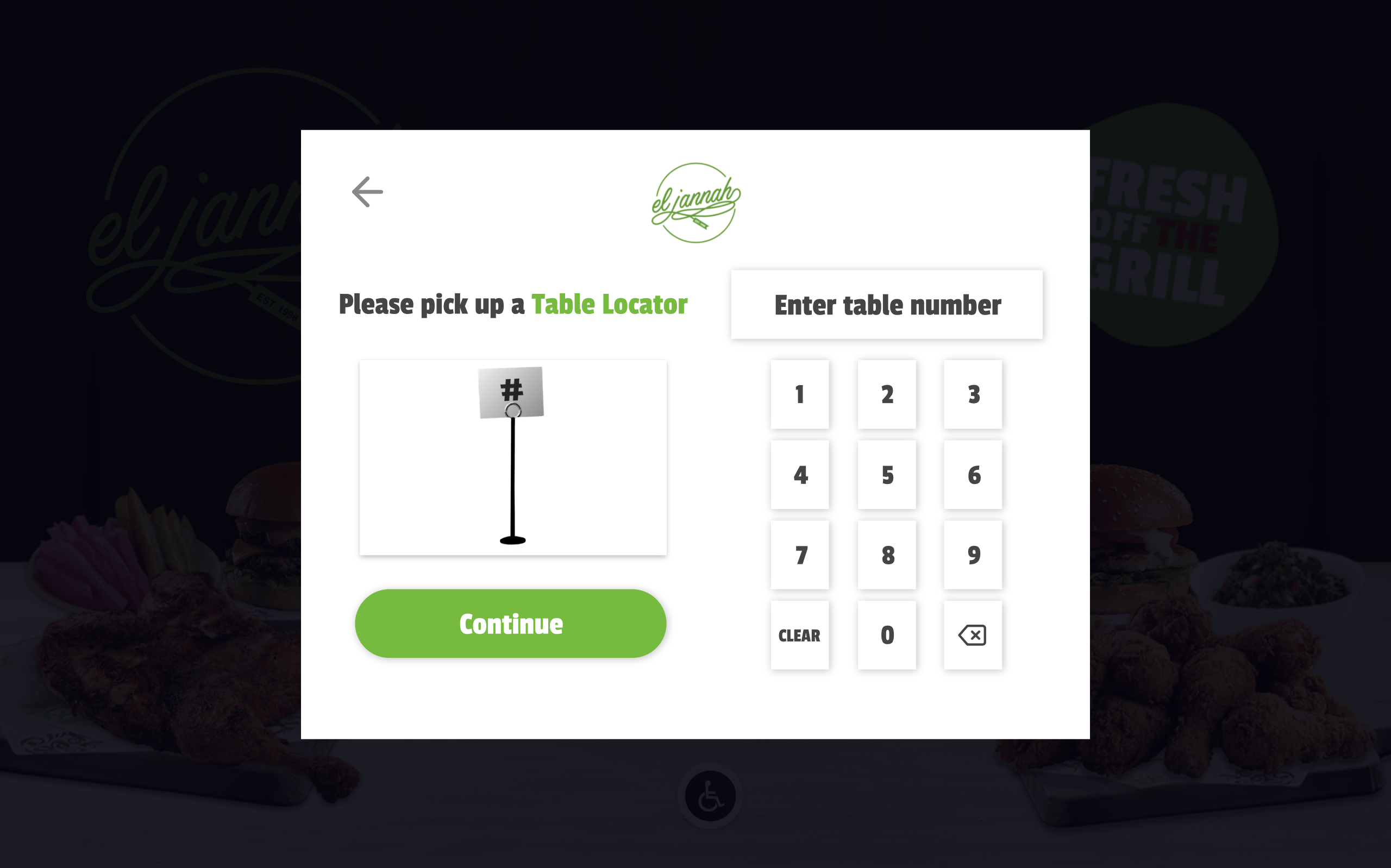
Concept 1: Self Service Kiosk
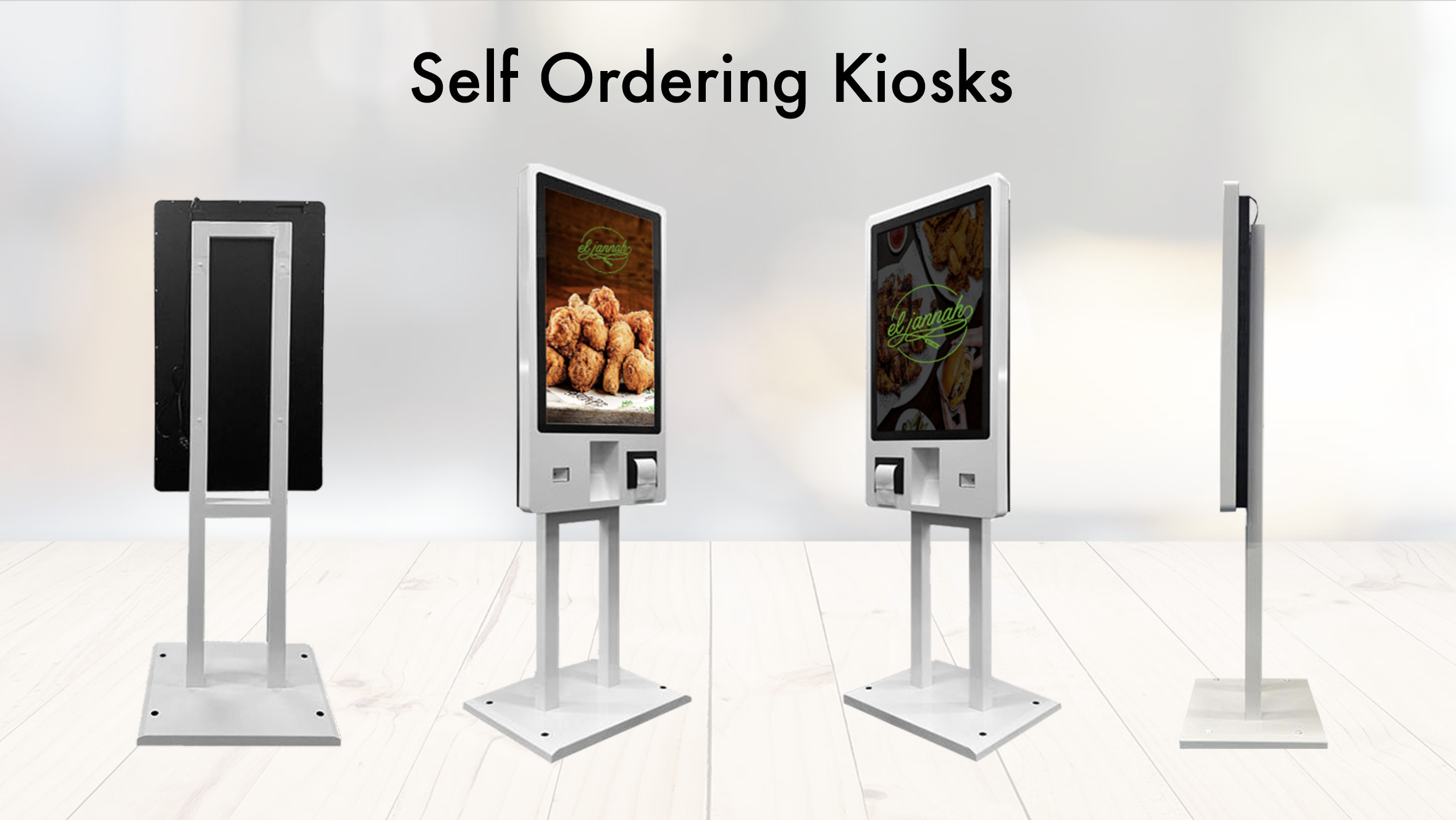
UFO Self Service Kiosk is a human-centered, ergonomically
designed solution that is carefully crafted
inside-out to engage visitors in a truly
immersive ordering experience.
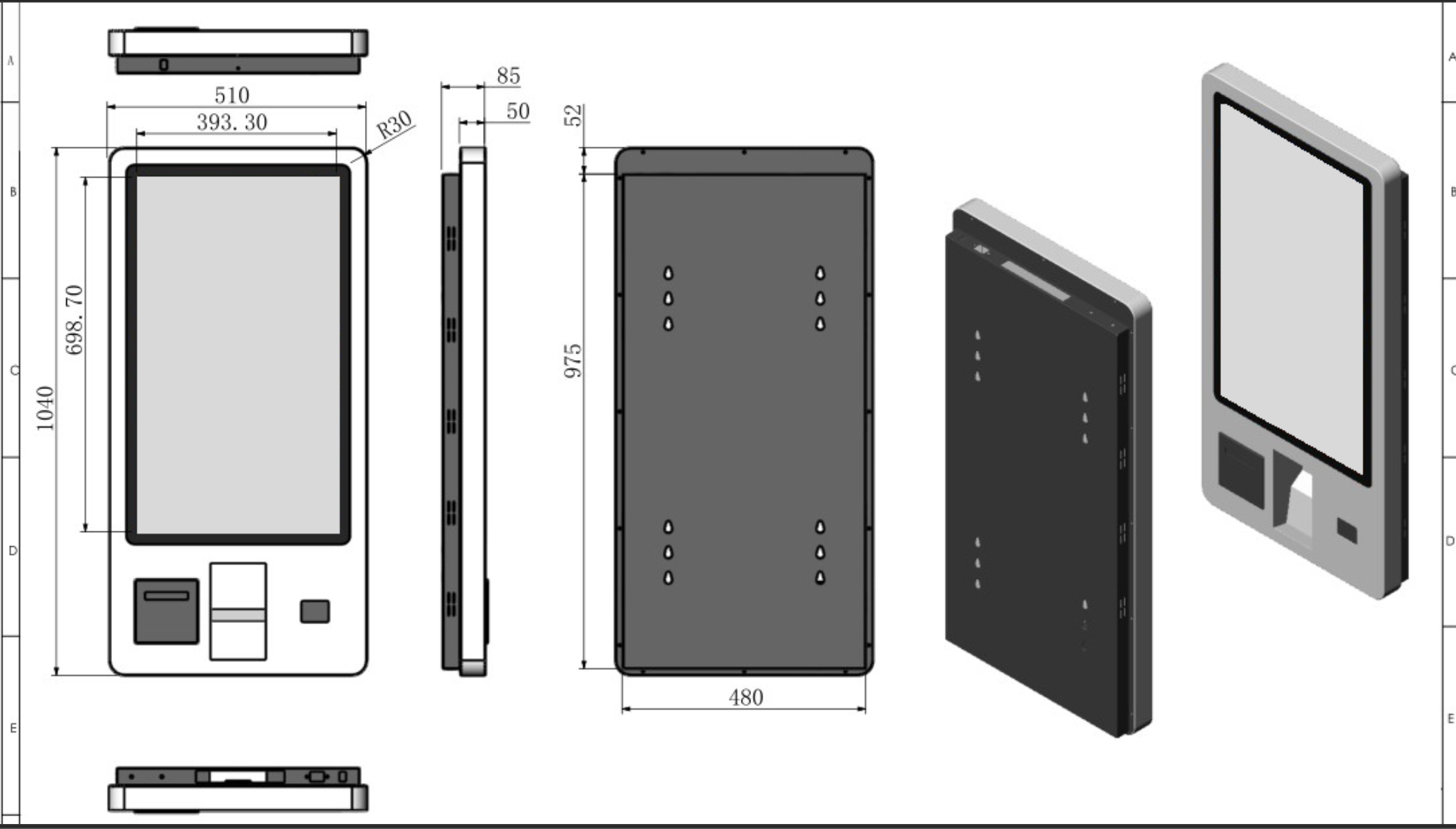
The UFO Kiosk's modern design
and large 32” screen brings
brands to life with rich eyecatching
graphics while diverting
incoming traffic.
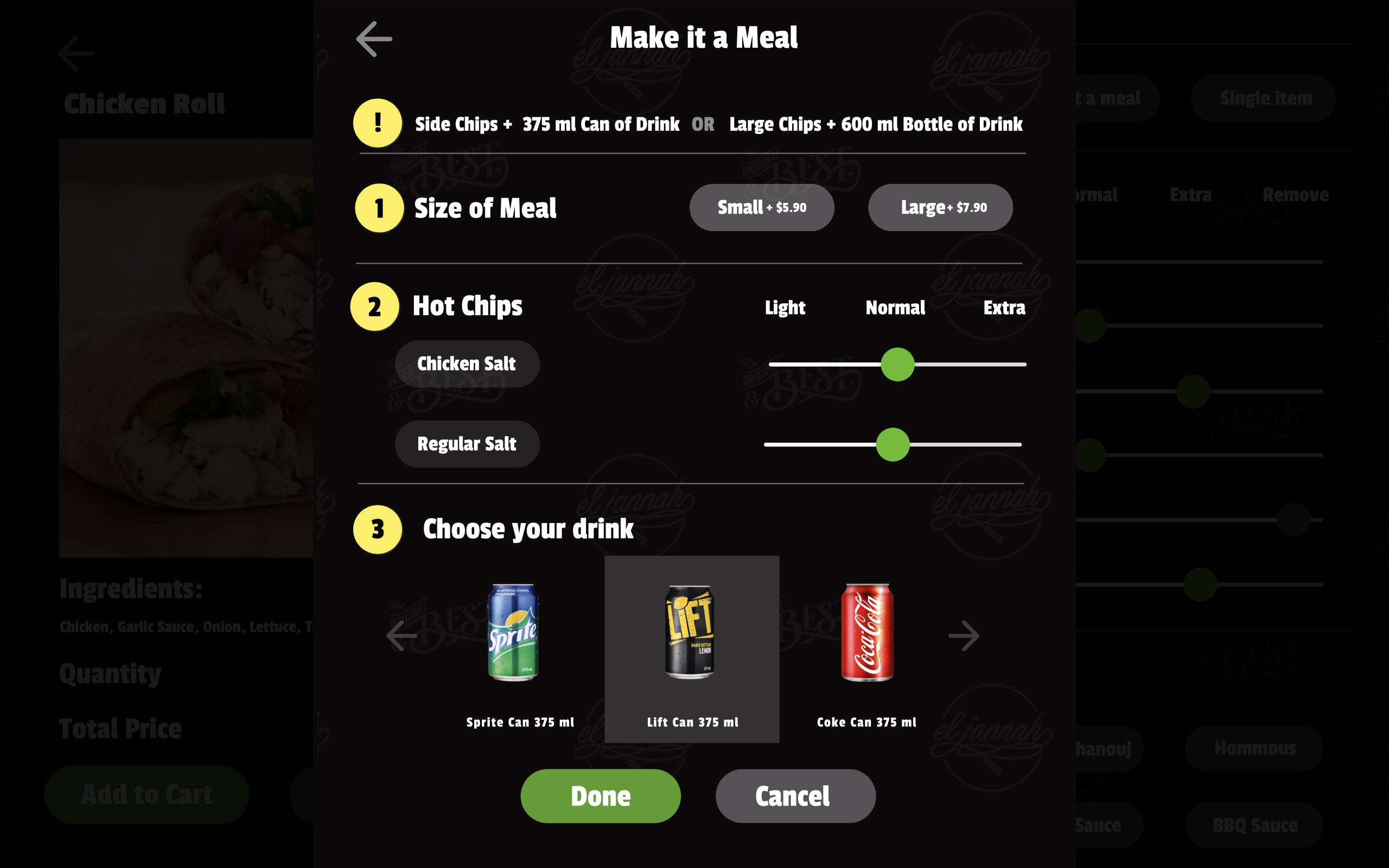
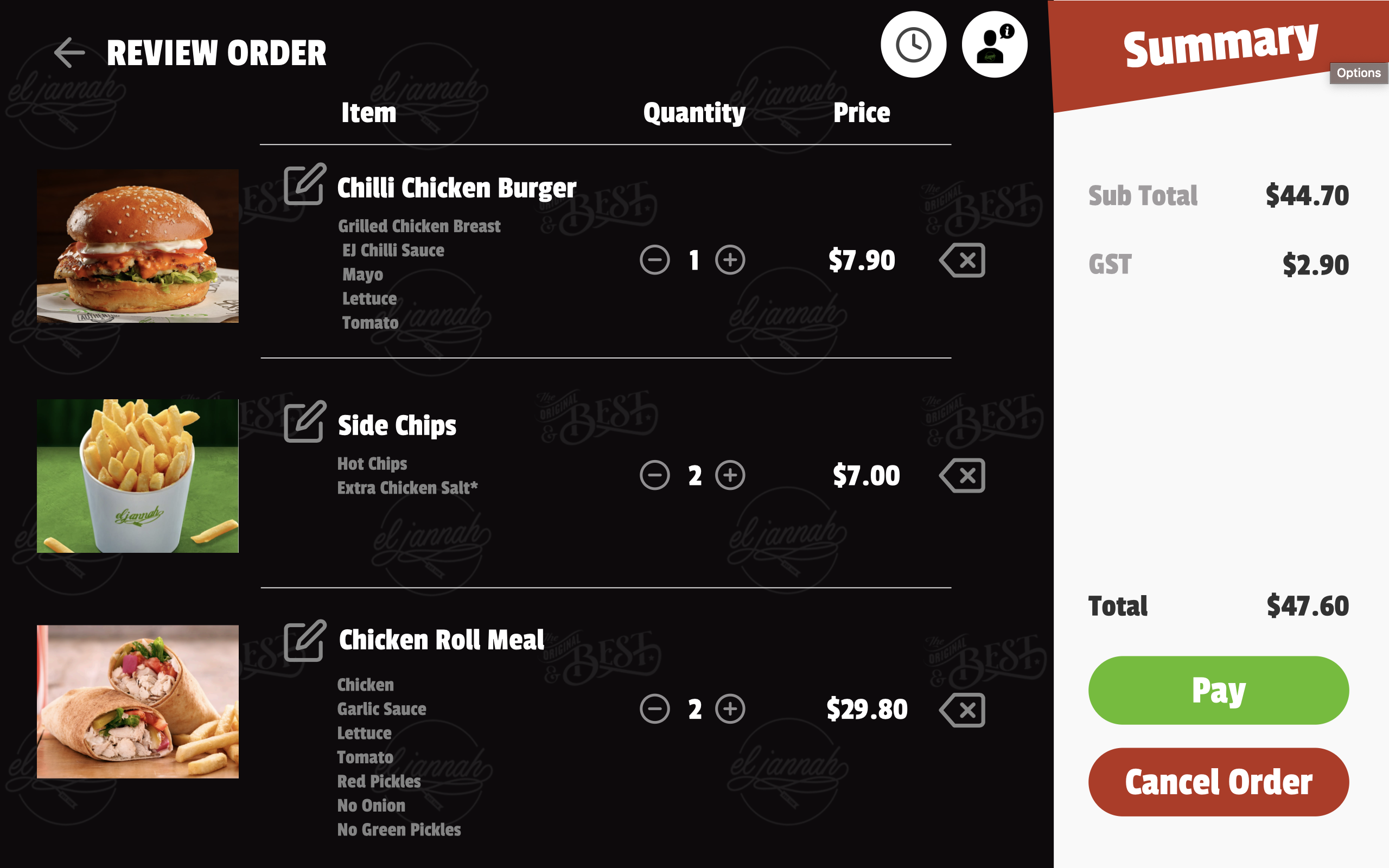
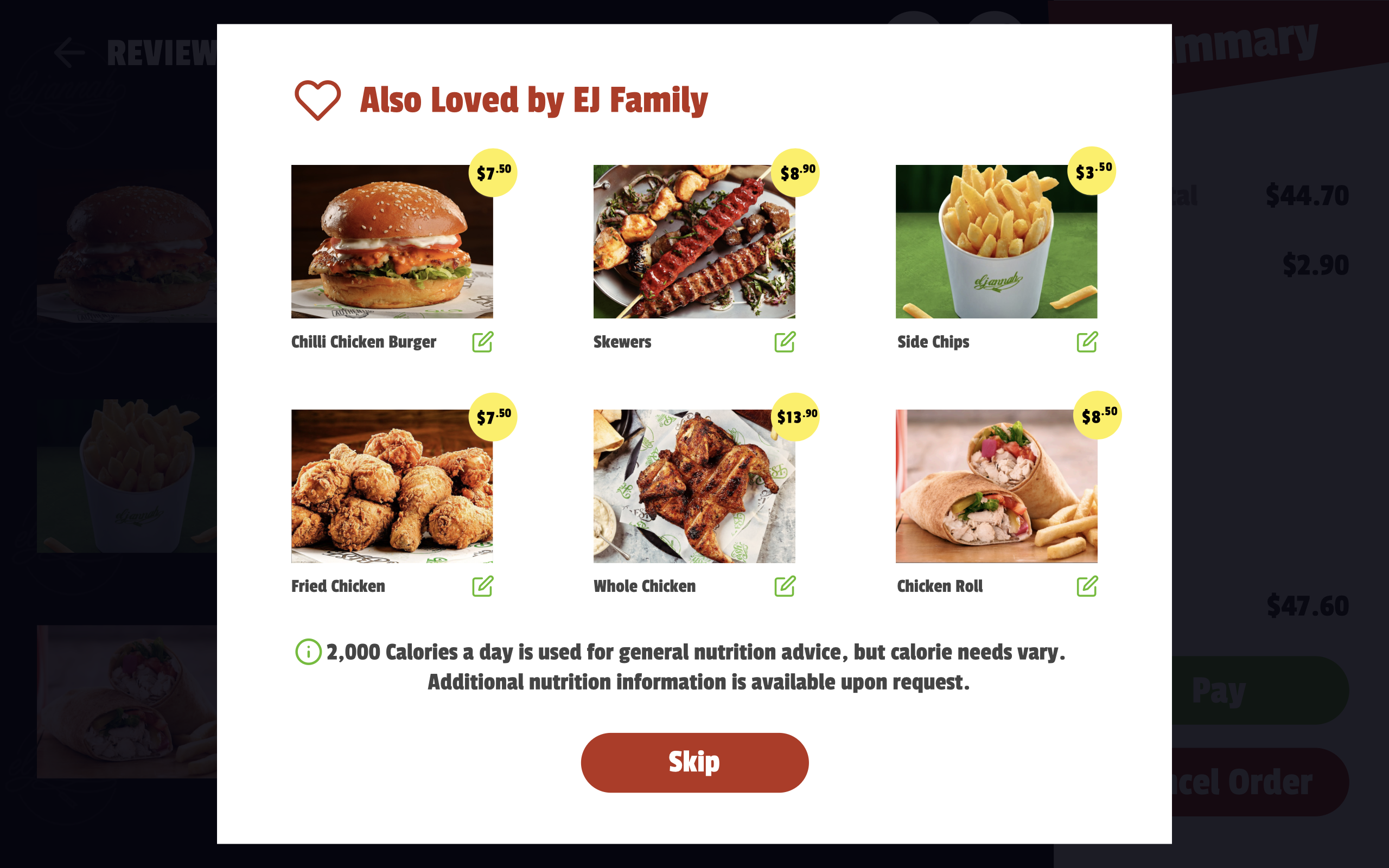
Concept 2: Self Service Tablets
After talking to users about self service kiosks and showing them the prototype, we learned that there is alot of infrastructure required to be built for installation of these systems, repairs and maintenance. they are big and bulky and occupy a lot of space in the shop, mostly small restaurant owners never want to give away so much space. hence we decided to move on to a more portable ordering system using tablets.
These Self Service Tablets, can be placed on countertops, table tops or hand held by staff. It provides to flexibility to order from where the customer is sitting, hence added more convinence. We simplified the UI and added a little element of personalisation for the brand.
Concept 3: Contactless Ordering
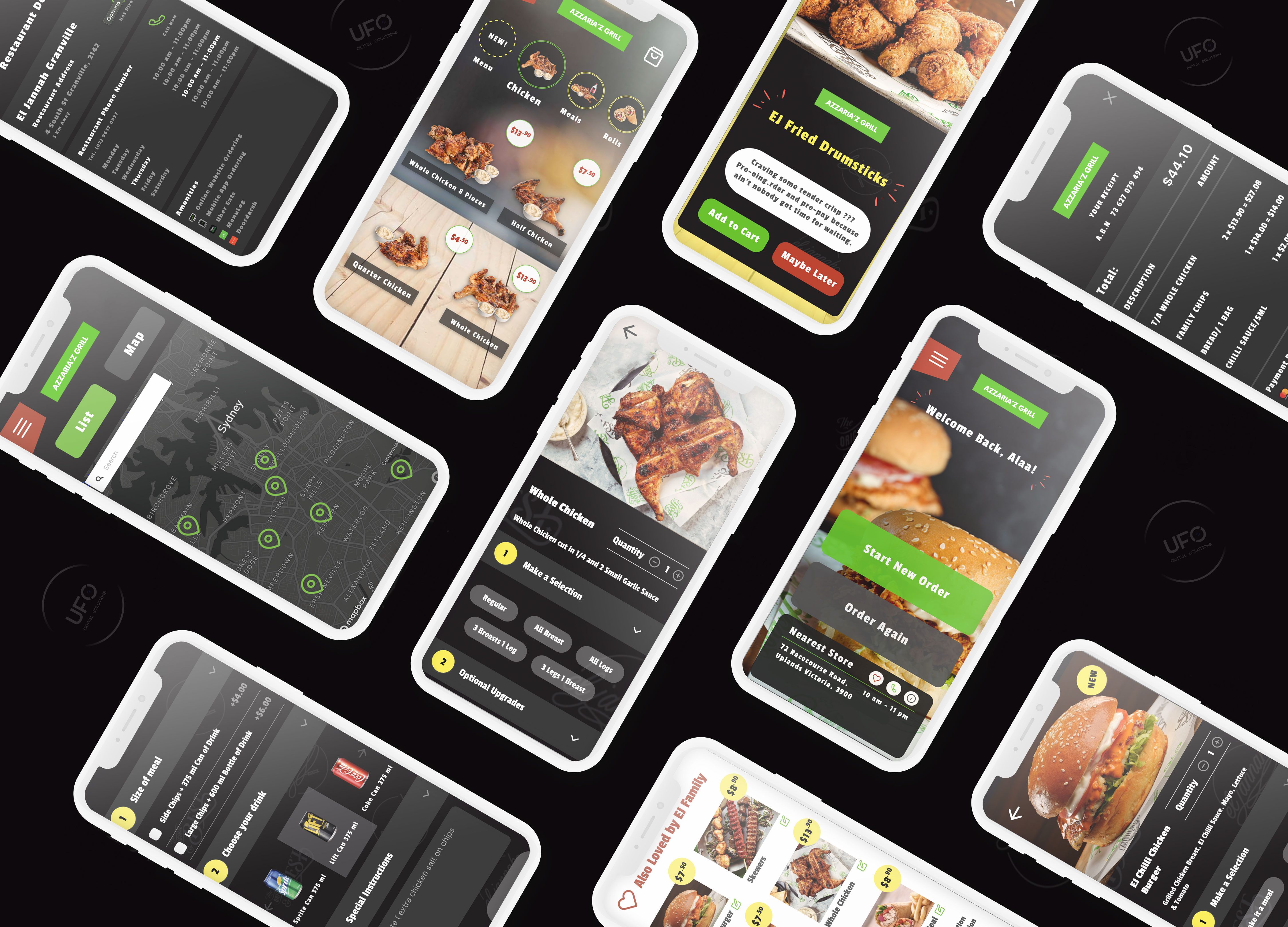
Fast, simple and contactless, the QR/NFC based ordering web app uses a powerful tech stack that ensures speed in ordering on a customer’s own device without the need to download a new mobile application.
Learn more at: https://www.ufodigitalsolution.com.au/contactless.html
Plug & play approach
After moving from self service kiosks to self service tablets, we realised that due to current COVID-19 situation, no one likes to touch public computing devices, even if it is sanitised. I came to a realisation that why can't we add all the functionality of a self service kiosk to a mobile phone that everyone has these days.
1. OBSERVATIONAL TESTING
Observational Testing is a live testing method in which specific indicators for the
function of the prototype is assessed on the fly. Contextual Observation was also conducted to develop a better understanding of how users interact with our prototype. by analysing the facial expressions, gestures and actions of users.
2. INTERVIEWS
Interviews is a crucial part to a human-centred design as it allows potential
stakeholders to be an active part of the design process. Semi-structured interviews allows us to go further than first impressions and
helps users empathise with the reasons behind each prototype.
3. SYSTEMS USABILITY SCALE
The System Usability Scale consists of multiple questions and a couple of
open-response questions, mostly judged through a ‘Strongly Agree’ to
‘Strongly Disagree’ Scale. It’s a useful tool for measuring the usability of
prototypes and differentiate between usable and unusable systems
about the prototype.
4. Think Aloud Method
We conducted the Think Aloud method as it allowed us to grasp a deeper understanding of the thoughts and feelings of users as they are interacting with our prototypes. The participants are made to talk while interacting with the prototype.
5. AFFINITY DIAGRAM
Affinity Diagramming is a data analysis method that addresses
users/audiences’ needs and wants with a single sentence. The large
amount of data gathered is broken down into opinionated, suggestive
or emotional phrases, then grouped up into similar perspectives that
target the general need and want of the user/audience.
Affinity
6. HARRIS PROFILE / DECISION MATRIX
The Harris Profile or Decision Matrix is a simple but effective
analysis method that allows prototypes to be judged overall with
an emphasis on how effective each aspect of the prototype was.
Each aspects of the prototype is weighed, then given a scalar
score in order to find the total effectiveness of the prototype
I learned that people do not like downloading new mobile apps on their phones to order food because they take up alot of space and people already have all the apps they need. Hence we created a 100% web based application which comes when needed by scanning QR codes/ tapping NFC beacons and goes away once its done.
After observing many users, we added alot of functionality to personalise the application according to the user. By remembering their favourites, recent orders, their choices of ingredients etc, we were able to offer an experience which people love to revisit.
1. IRIS (Admin Panel)
Autopilot your business with UFO I.R.I.S - Integrated Realtime Information System is the most powerful backing you'd ever need to propel your business forward with smart actionable intelligence.
3. IRIS for Team UFO
It offers cutting edge advanced analytics which are easily comprehensible by everyone and include premium widgets for live footfall, live franchise management, live revenue stats, live order stats, product popularity, consumer experience monitor, order history, bill summary traced back to any date, support tickets, upselling management, inventory tracking, category management, promo code generation etc.
2. Kitchen Display System
UFO's Kitchen Display System provides your business with a new, magical way to effortlessly transition your manual orders into automated digital dockets, connecting your kitchens directly to your customers. KDS offers ease of use for your staff & eliminates any friction in workflow. Learn more at: https://www.ufodigitalsolution.com.au/kds.html
4. Live Order Display
Live display of current status of orders in a restaurant.
Instead of calling out order numbers, update a screen so customers can see when their order is ready to collect.
The Project was setup at a Food outlet at University of Sydney and 3 other locations in Sydney. We received an overwhelming response from our users.
Learnings
The biggest thing I learnt during this process was working in team and collabourating over ideas and concepts at every point in time and learning the value of directly speaking to the users. I learnt the importance of Empathy in the user-centered design process.
Mistakes
I made many mistakes along the way during UI Design which costed alot to be fixed during development. All though we mitigated risks using agile development. My learning from it was to never forget the importance of following userflow diagrams and running cognitive walkthroughs during every stage of the project.
Another big mistake that I fixed early on was testing the application myself and not hearing actual user inputs. My own voice was clouding my judgement and I was too attached to some design to change it even though it was creating friction in userflow. I fixed this mistake by talking to my seniors and mentors who taught me how to remove myself from the situation and let UX methodologies take over.