Overview

Every year the graduating classes from the Design Computing (undergraduate) and M.IDEA (postgraduate) programs hold an exhibition to showcase their final works and create an accompanying catalogue, website that documents their coursework and experience within the degrees.

The show features ground-breaking new ideas with emerging digital technologies and creative thinking across smart cities, robotics and drones, mobile apps, 3D modelling, digital systems and experiences, and wearable technology.


About D19 Project

The Exibition is set up by a selected team of design students. Usually the exhibition set up is divided into different teams - Curation, Branding, Catalogue, Marketting and Website.

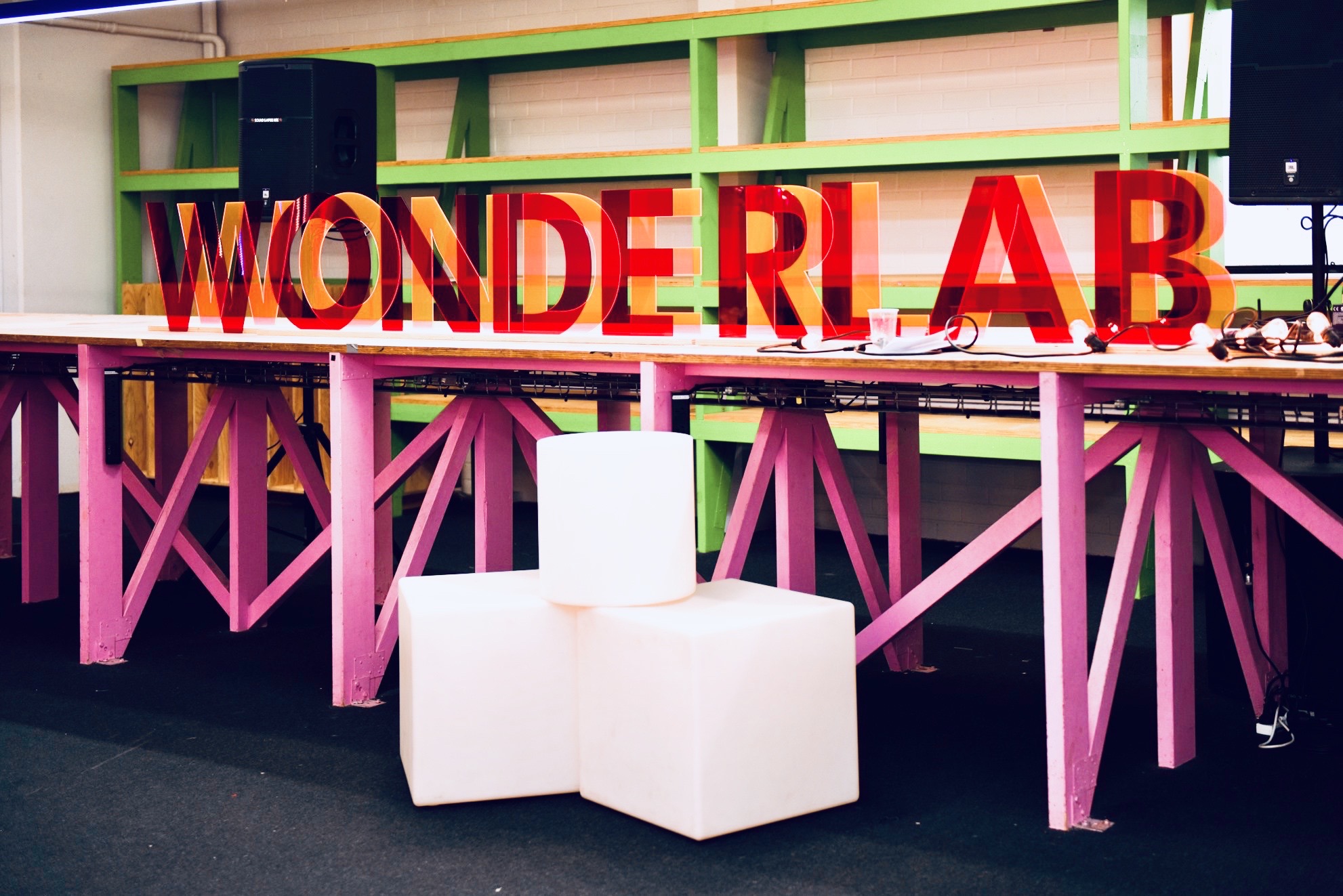
This year’s exhibition theme was play, transforming Homebase into the ‘Wonderlab’. Our aim was to create a space where guests could relish in experimentation, wonder, and big ideas - to bring the community together through playful experiences. The Wonderlab is a place of endless possibilities.


Timeline: 12 Weeks - 2018

Role: Researcher, Website Designer and Developer, Project Curator, Digital Designer.

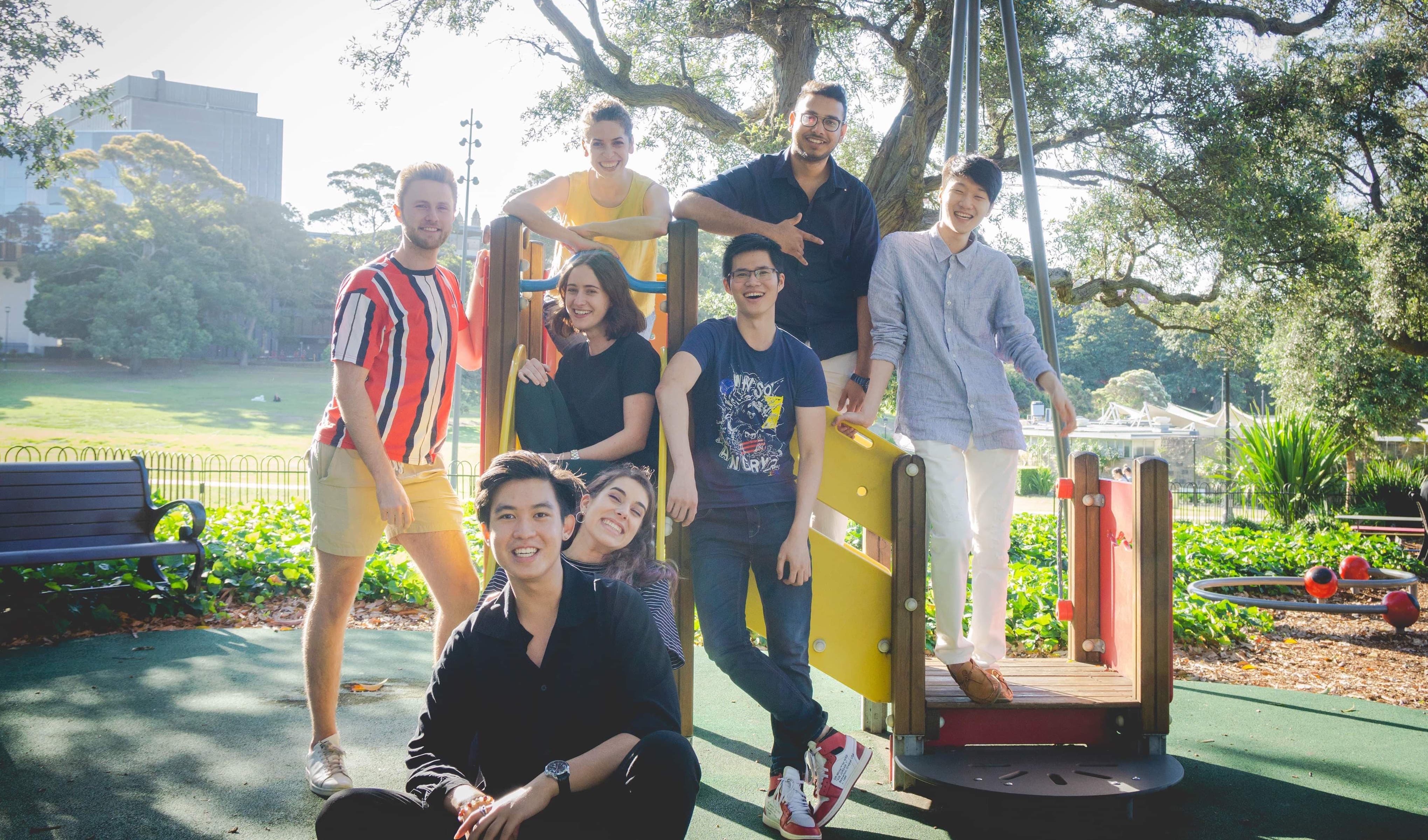
Website Team: Abhinav Bose, Oliver Frohlich


Secondary Research

I researched upon different sorts of design methods like flat design, neon design, artistic design, flashy creative design and subtle design. While exploring multiple options During my research I looked upon several other websites with relatively similar concepts.

I also researched upon bauhaus design patterns to which was a theme for logo , banners, catalogue etc.


Primary research


I spoke to a web designer and visual artist during an interview. She provided me valuable information about how to create a good design using Balance, Proximity, alignment, repetition, contrast and space.

Target Audience


Our audience for the websites includes current students, prospective students, parents, teachers, staff, speakers, sponsors, employers, media, international students, common public etc.

Technology used


I am using bootstrap technology to enable responsive design for all sorts of browsers and devices. The core of the website is built on HTML 5, CSS 3, Javascript, J-query, media query,

Prototyping

The initial stages were of concept development where we brainstormed unique and distinct designs which would match the theme of the exhibition i.e Wonderlab.

Deciding on the information architecture and UX design For the assignment 1, we had to come up with some mockups as our design ideas I came up with total 7 screens for the landing page and developed wireframes for 5 pages of the website. My team mate did similar work and we presented our design ideas in front of the entire team and got their feedback.

We made feedback from our teacher, team members, other potential users and feasibility of design as the base of our decision making process and iterations.

Implementation & review

Optimisation of the code was a big challenge. After the completion of the website, the entire bundle came out to be about 1.7 Gb with unoptimised images and code. After several long hours of optimisation, I was able to get the website down to less than 100 Mb. Later I hosted the website on Amazon Web Server which got to website loading speed highly optimised.

During times of need when we were struggling with ways of portraying information to our audience in a succinct manner through our existing design. I made a bold move to scrap the existing set and came up with a new design with amalgamated elements from old designs.

I collaborated with other teams like branding and curation to get the correct elements in place for the website. We experienced difficulties with organisation and time management but the good things were that we could still get things done and produce high quality work.

While creating the designs I could foresee some issues that we might have to face. These included data collection in a streamlined manner. Analysing the data, Organising the data inside the code. This could have potentially be overcomes if we could make use of PHP and made the website dynamic.